
Automation Change Management
OT Asset Inventory: Network-Based and Configuration-Based, and Why Plants Need Both
OT asset inventory explained: network discovery against configuration-based inventory, what each one sees, and the fields a useful inventory holds.
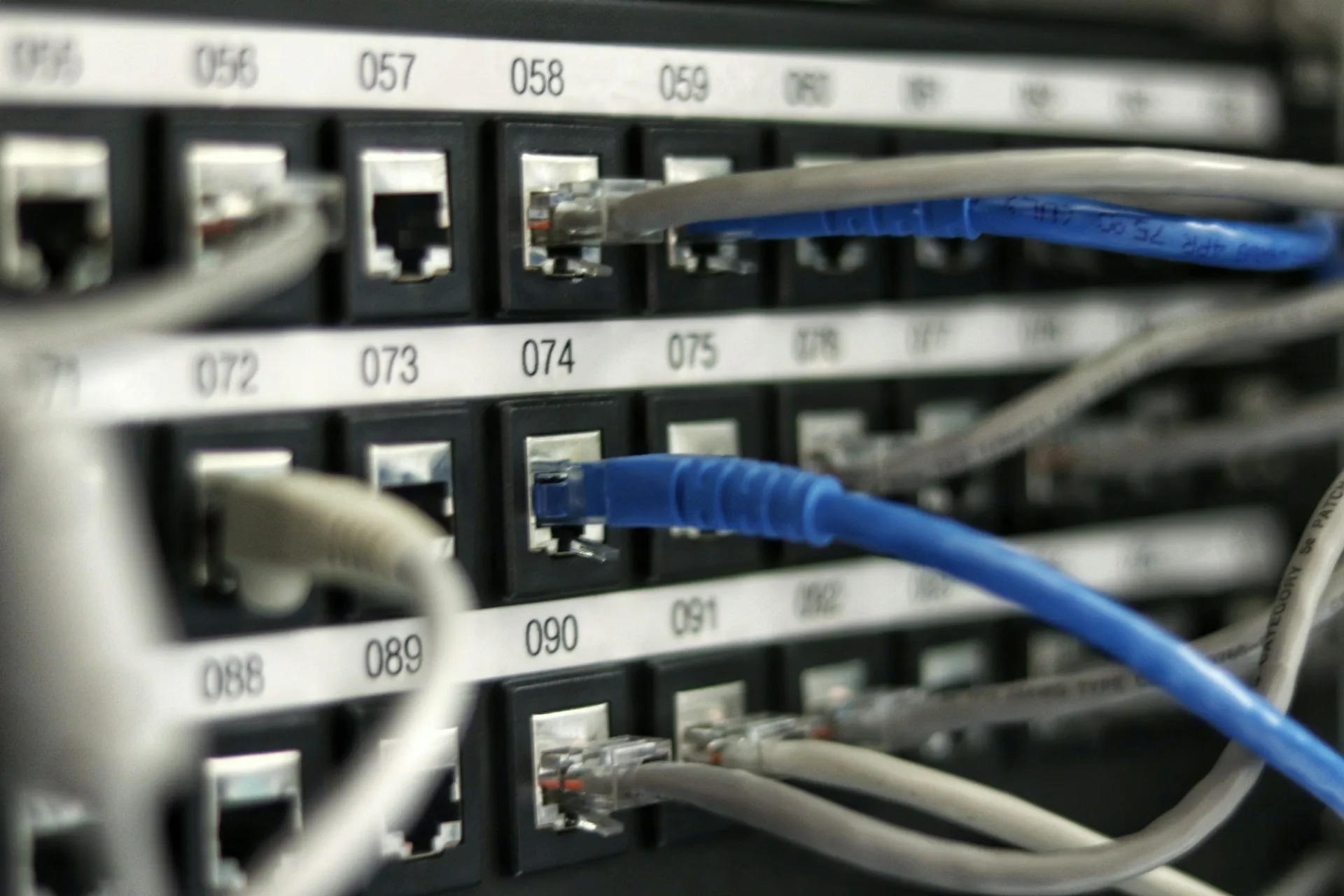
An OT asset inventory is the maintained list of every device in a plant’s control systems, with the details needed to manage it: what it is, what firmware and software it runs, where it sits, what it controls and who owns it. Every OT security framework starts there, and so does every recovery plan, because you cannot protect or restore a device you do not know you have.
There are two fundamentally different ways to build one. Network-based inventory watches or queries the network. Configuration-based inventory reads the engineering projects and backups of the devices. They see different things, and plants that rely on one alone have blind spots. This page explains both, why you need the pair, and the fields a useful inventory has to hold. It sits under the automation change management hub.
Network-based OT asset inventory
Network-based tools identify devices from the traffic they send or from direct queries.
Passive discovery takes a copy of network traffic, usually from a mirror (SPAN) port on a managed switch or a network tap, and identifies devices from what they say. It sends nothing to the devices, which makes it the safer default on networks where an unexpected packet could upset an old controller. It also shows who talks to whom, which is the raw material for network segmentation and threat detection.
Active discovery queries devices directly in their own protocols to read details that do not appear in normal traffic, such as module lists or firmware. It returns more, at the price of touching the devices. Done well it is scheduled, rate-limited and tested; done badly it is the scan that faulted a controller.
The vendors here are the OT security platforms. Gartner’s 2026 Magic Quadrant for CPS Protection Platforms placed Nozomi, Claroty, Armis and Dragos as Leaders (Claroty), with Forescout, Tenable, Fortinet, Cisco, TXOne and others in the field.
The limits are structural. A network tool sees what crosses a monitored link. A device behind an unmanaged switch with no mirror port, on a serial or fieldbus segment, or simply quiet, may never appear. Passive fingerprinting can also be coarse about firmware, and no network tool sees the logic inside a controller or can restore it.
Configuration-based OT asset inventory
Configuration-based inventory reads the engineering data itself. A PLC backup contains the hardware configuration: the chassis, every module, its catalogue number and often its firmware. A robot backup names the controller and software. Aggregating those across a site produces an inventory without listening to the network at all.
AMDT built its octovision product on this principle, describing it as an inventory created “without network scanning or agents” from octoplant’s project and configuration data (amdt.com). Our octovision asset inventory page covers that implementation. Other change management tools hold the same raw data in their backups even where they do not present it as an inventory.
Its strengths are depth and reach: module-level detail, exact firmware read from the project or the device, the program version that is running, and devices that never talk on a monitored network, including machines backed up by hand. Its limits mirror network discovery: it only knows devices that the backup tool covers, it says nothing about traffic or threats, and an unmanaged device with no backup is invisible to it.
What each method sees
| Question | Passive network | Active network | Configuration-based |
|---|---|---|---|
| Does the device exist on the network? | Yes, if it talks on a monitored link | Yes, if reachable | Yes, if it is backed up |
| IP and MAC address | Yes | Yes | Often, from the project |
| Vendor and model | Usually | Yes | Yes |
| Firmware version | Sometimes | Usually | Yes, per module where the project holds it |
| Module and rack configuration | Rarely | Partly | Yes |
| Program version and last change | No | Some products, as a snapshot | Yes, with history |
| Communication paths and anomalies | Yes | No | No |
| Unnetworked or serial devices | No | No | Yes, if backed up manually or via an agent |
| Can it restore the device? | No | No | Yes, from the backup it was built from |
Why plants need both
Each source checks the other. A device the network sensor sees but the backup tool does not is a device with no recovery copy. A device in the backups that never appears on the network is either unnetworked, on an unmonitored segment, or retired and still listed. Either way, the mismatch is a list of actions.
They serve different owners. The OT security team needs traffic, anomalies and exposure. The controls team needs firmware, modules and program versions to plan upgrades and recover. One inventory that both trust ends the familiar argument about whose spreadsheet is right.
The vendors are moving toward each other. AMDT’s octovision Summer Release 2026 added CSV import of assets from discovery tools, CMMS systems or spreadsheets, and a managed against unmanaged coverage metric (octoplant.com). On the network side, some platforms now read configuration snapshots from controllers. As of October 2026 we found no public, productised integration between a configuration-based tool and the major network platforms, so most plants join the two by export and import.
The fields a useful OT asset inventory holds
| Field | Why it matters | Best source |
|---|---|---|
| Unique name and tag | The key that joins every other system | Engineering standard, then both tools |
| Vendor, model, catalogue number | Lifecycle status and spares | Configuration, confirmed by network |
| Firmware and module versions | Vulnerability matching and upgrade planning | Configuration or active query |
| Software and runtime versions (HMI, SCADA, engineering tools) | Patch planning and restorability | Configuration and PC agents |
| Program version and last change | Recovery and change detection | Change management tool |
| Network address, zone and conduit | Segmentation and exposure | Network discovery |
| Location and line or process served | Impact of a failure or compromise | Plant records |
| Criticality (production, safety, quality) | Ranking vulnerabilities and recovery order | People, recorded in the tool |
| Owner | Someone to call and to approve changes | People |
| Backup status and last good backup date | Proof the device can be restored | Change management tool |
| Lifecycle status | Obsolescence and capital planning | Vendor lifecycle data |
Criticality is the field tools cannot fill. No scanner knows that one small PLC runs the only boiler. Recording it, as a person’s judgement, turns a list of devices into a ranked plan. ServiceNow’s OT Vulnerability Response, for example, prioritises by the criticality of the process a device controls (ServiceNow docs).
Building an OT asset inventory in practice
Tools speed the work up, but the sequence is the same whichever product a plant buys. It also follows the joint guidance CISA and its partner agencies published in August 2025, Foundations for OT Cybersecurity: Asset Inventory Guidance, which sets out five stages: define the scope, identify assets and collect their attributes, build a taxonomy, manage the data, and keep it current through the asset lifecycle.

- Agree the naming standard first. Decide how a device is identified: line, cell, function and number. Every later join between sources depends on it, and changing it afterwards is painful.
- Start from what you already hold. Engineering projects, backups, drawings, the CMMS equipment list and old spreadsheets each cover part of the estate. Import them before scanning anything.
- Walk one line. Compare the paper inventory with what is physically in the panels. The gap on a single line tells you how far to trust the rest.
- Add network discovery where the network allows it, starting passive. Record which segments cannot be seen and why.
- Add configuration data from the backup or change management tool, so firmware and module detail comes from the devices rather than from memory.
- Record criticality and owner with operations, line by line. This is a meeting, not a scan.
- Reconcile and set a refresh rhythm. Work the mismatch list, then decide how often each source refreshes and who reviews the changes.
Expect the first pass to surprise you. Plants routinely find controllers nobody listed, spare modules at different firmware from the ones running, and HMIs on operating systems that left support years ago. Each of those is a decision for the modernization and lifecycle plan, and none of them is visible without the inventory.
Limits and open questions
- Coverage claims from every vendor describe device types, not your devices at your firmware. Test with a sample of the oldest and oddest equipment you have.
- Active querying of old controllers needs a test window and agreement with operations.
- Unmanaged switches and fieldbus segments limit what passive monitoring can see; budget for mirror ports or managed switches where visibility matters.
- Inventories decay. Without an automated refresh and a named owner, accuracy falls with every module swap.
- Joining the two sources is still mostly manual. Agree a naming standard before buying either.
How to evaluate an OT asset inventory approach
- What share of your critical devices does each source see? Measure it on one line first.
- Does the tool read firmware per module, or only per device?
- Does it record criticality and owner, and can those be edited by plant staff?
- Can it import from other sources and export to your CMDB or ticketing system?
- How does it handle unnetworked and serial devices?
- Is active querying optional, configurable and rate-limited?
- Who will maintain the inventory, and how often is it refreshed?
Deeper
- octovision asset inventory: one configuration-based inventory in detail
- PLC backup software: the backups that a configuration-based inventory is built from
- PLC ransomware recovery: how the inventory sets the order of a recovery
An OT network assessment builds the network side of this picture and shows where monitoring and backups leave gaps. Back to the automation change management hub.
Frequently asked questions
What is an OT asset inventory?
An OT asset inventory is a maintained list of every device in a plant's control systems, from PLCs, HMIs and robots to drives, switches and the PCs that run SCADA, with the details needed to manage risk: model, firmware and software versions, location, network address, criticality and owner. It is the base for vulnerability management, obsolescence planning, incident response and recovery.
What is the difference between passive and active OT asset discovery?
Passive discovery listens to copies of network traffic and identifies devices from what they say, without sending anything to them. Active discovery queries devices directly, using their own protocols, to read details such as firmware or module lists. Passive is the safer default on fragile networks; active returns more detail but needs care, testing and agreement with operations.
What is a configuration-based OT asset inventory?
A configuration-based inventory is built from the engineering projects and backups of the devices rather than from network traffic. Because a backup contains the hardware configuration, it can list modules, firmware and software versions, and it includes devices that never talk on a monitored network. AMDT's octovision is one product built this way.
Can a spreadsheet be an OT asset inventory?
A spreadsheet is a reasonable start for a small site, and much better than nothing. Its weakness is decay: firmware changes, modules are swapped and nobody updates the sheet. An inventory refreshed automatically from network discovery, backups or both stays accurate without relying on someone remembering, which is why larger and regulated sites move to tools.
Which standards require an OT asset inventory?
Most OT security frameworks start with one. IEC 62443, the NIST Cybersecurity Framework, NERC CIP for North American utilities and the EU's NIS2 directive all expect an organisation to know which assets it has before it can protect them, and cyber insurers increasingly ask for one. The exact requirements differ, so check the regime that applies to your plant.
References and further reading
- Foundations for OT Cybersecurity: Asset Inventory Guidance for Owners and Operators · Cybersecurity and Infrastructure Security Agency, with partner agenciesAugust 2025 joint guidance: scope, attributes, taxonomy, data management and lifecycle.
- SP 800-82 Rev. 3, Guide to Operational Technology (OT) Security · National Institute of Standards and Technology
- Octovision: A New Dimension of OT Visibility · AMDTA configuration-based inventory built without network scanning.
- Octovision Summer Release · AMDT
- Claroty Named a Leader in 2026 Gartner Magic Quadrant for CPS Protection Platforms · ClarotyVendor press release naming the network-based platforms Gartner placed as Leaders.