
Solace Messaging Explained: Topics, Queues and Delivery Modes
Solace Partitioned Queues and Last Value Queues Explained
Solace partitioned queues keep order per key while consumers scale out; last value queues keep only the newest message. How both work and where they fit.
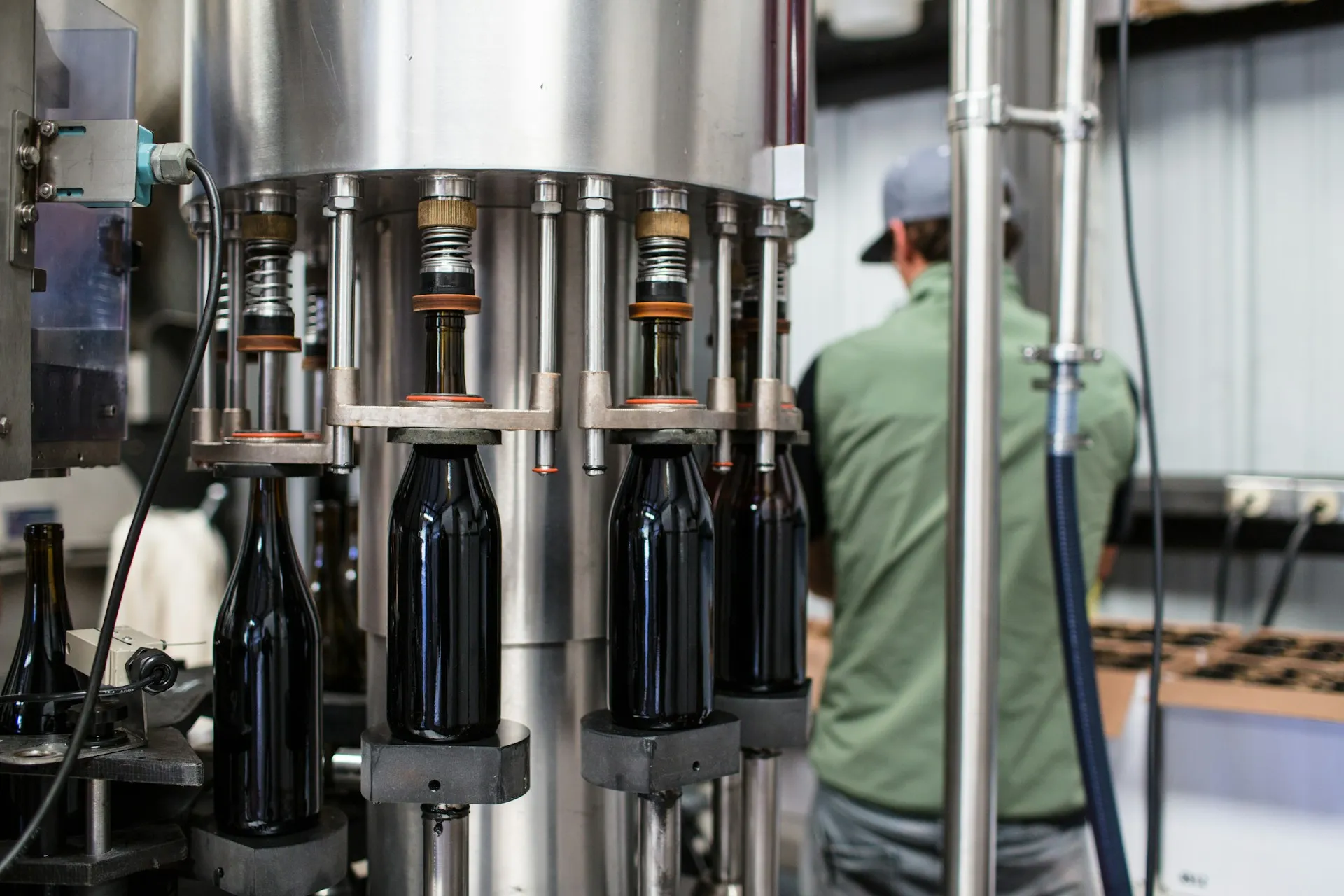
Solace partitioned queues solve a problem every integration team meets: you need several consumers to keep up with the load, but messages about the same thing must still be processed in order. A partitioned queue is a non-exclusive queue split into a fixed number of partitions. The broker hashes a partition key on each message to pick a partition and gives each partition to one consumer at a time, so all messages for filler-01 stay in sequence while filler-02 and capper-07 are handled in parallel. Solace made them generally available in broker 10.4.0 in 2023.
The second half of this page covers the opposite need, last value queues, which keep only the newest message. Both belong to the Solace messaging model in the Solace cluster.
Why ordering and scale pull against each other
A standard queue offers two access types, explained on queues and guaranteed messaging. Exclusive access keeps strict order but allows one active consumer, so throughput is capped by one process. Non-exclusive access shares messages round-robin across many consumers, which scales, but message 2 can finish before message 1.
In a plant that matters. A machine sends Running, then Stopped, then Running within a second. If two workers process those out of order, the downtime record shows the machine stopped when it is running. Order matters per machine, not across the whole plant, and that is exactly what a partition key expresses.
| Access type | Active consumers | Ordering | Fits |
|---|---|---|---|
| Exclusive | One, others standby | All messages, in order | Low-volume ordered streams |
| Non-exclusive | Many, round-robin | None across consumers | Independent tasks |
| Non-exclusive, partitioned | Many, one per partition | Per key, not across keys | High volume, ordered per machine, order or lot |
How Solace partitioned queues work
Solace’s partitioned queue documentation sets the rules:
- The publisher sets the key. JMS clients use the standard
JMSXGroupIDproperty; Solace API clients set theQUEUE_PARTITION_KEYuser property. “If no partition key is provided in a message, that message is randomly assigned a partition.” - The broker hashes the key. “All messages with the same key are handled by the same partition”, and “message sequence is not guaranteed between partitions”.
- One consumer per partition. “Only a single consumer is allowed to be assigned to and consume from any given partition; however, a single consumer might service multiple partitions.” Extra consumers beyond the partition count take no load but can act as standbys.
- Partition count caps parallelism. Solace advises setting it to the maximum number of active consumers you expect to bind.
Choosing the key is the design decision. Key by machine for state and counts, by order or lot for production records, by serial number for genealogy. A key that is too coarse (the site) puts everything in one partition; one that is too fine (a message ID) gives no useful ordering.
Rebalancing and handoff
When a consumer binds or unbinds, the broker rebalances. It first waits for the consumer count to settle (the rebalance delay, five seconds by default), then performs a partition handoff: it “pauses new message delivery from the affected partition to the current flow”, waits up to the max-handoff-time (three seconds by default) for outstanding acknowledgements, then moves the partition. Messages not acknowledged in time can be delivered again to the new owner, so duplicates are possible during scaling. Consumers must be idempotent, as with any guaranteed flow.
Compared with Kafka. Kafka orders per partition and assigns partitions to consumers in a group, so the idea is familiar. The differences are in delivery: Solace pushes messages and tracks per-message acknowledgements, while Kafka consumers pull and commit offsets. Kafka is now adding queue semantics of its own through KIP-932. The broader comparison is on Solace vs Kafka.
Sizing Solace partitioned queues for a plant: a worked example
An illustrative case. A plant with 120 machines publishes state changes and counts to mfg/machine/>. A downtime service turns those into downtime records for MES, and one instance cannot keep up at shift change, when every line restarts at once.
- Pick the key. Order matters per machine, so the publisher (or the gateway) sets the machine ID as the partition key. Two machines never need to be in order relative to each other.
- Pick the count. The team expects to run up to eight instances at peak, so the queue gets eight partitions. 120 keys hash across eight partitions, about 15 machines each.
- Scale with the load. At night two instances run, each holding four partitions. At shift change the platform starts six more; after the rebalance delay each instance holds one partition.
- Plan for the handoff. Each instance checks whether it has already recorded a state change with the same machine ID and timestamp, so a message redelivered during a rebalance is ignored.
- Watch the partitions. A filler that chatters every few hundred milliseconds can make its partition the slowest; per-partition depth is the metric that shows it.
Nothing in that design required the publisher to know how many consumers exist, which is the point of putting the ordering rule in the key.
Last value queues: only the current state
Solace’s queues page defines it in one line: “If a queue is assigned a maximum spool size of 0, the queue spools only the last message it received.” Two consequences matter.
- Browse, do not consume. Acknowledging a consumed message removes it, as on any queue. A dashboard or a late-starting service should browse the LVQ to read the current value and leave it there.
- One value per queue, not per topic. An LVQ holds one message in total. To keep the current state of 40 machines you need 40 LVQs, each subscribed to one machine’s state topic. That differs from MQTT retained messages, which are kept per topic; on Solace those rely on retain caches, a controlled availability feature per the MQTT documentation.
Where an LVQ fits in a plant: the current recipe or setpoint for a line, the latest shift schedule, the current state of a critical asset that a restarting application must read before it subscribes to changes.
A common start-up pattern combines the two halves of this page. A restarting MES integration first browses the LVQ for each line’s current recipe, so it knows where it stands, and then binds to its normal queue to process changes from that point. Without the first step it would sit blind until the next recipe change, which might be hours away. Note that the LVQ needs guaranteed messages to hold anything: direct messages reach it only by promotion when they match its subscription.
Where it gets hard
- No replay. The replay documentation states “Message replay is not supported for partitioned queues”. See message replay for workarounds.
- Feature restrictions. Solace’s GA announcement listed partitioned queues as durable only and without selectors. Confirm the current list for your release.
- Changing the partition count. The hash decides the partition, so changing the count can move keys to different partitions; drain or plan a cut-over rather than resizing during production.
- Hot keys. One busy machine can saturate its partition while others idle. Watch per-partition depth.
- LVQ sprawl. Hundreds of single-message queues are configuration to manage. For broad current-state needs, a cache or a historian may be the better tool.
Back to the messaging model or the Solace hub.
Frequently asked questions
What is a partitioned queue in Solace?
A partitioned queue is a non-exclusive Solace queue divided into a configured number of partitions. The broker hashes each message's partition key to choose a partition, and assigns each partition to one consumer at a time. Messages with the same key therefore stay in order, while different keys are processed in parallel by several consumers. Solace made partitioned queues generally available in broker release 10.4.0 in 2023.
How do I set the partition key in Solace?
JMS clients set the standard JMSXGroupID property. Clients using Solace's own messaging APIs set the QUEUE_PARTITION_KEY user property on each published message. Choose a key that matches the unit whose order matters, such as a machine ID or an order number. A message without a key is assigned to a partition at random, so it has no ordering guarantee.
What happens when a consumer joins or leaves a partitioned queue?
The broker rebalances partitions across the bound consumers. By default it waits five seconds for the number of consumers to settle, then hands partitions over, pausing delivery from each affected partition for up to three seconds so the previous consumer can acknowledge what it holds. Messages not acknowledged in that time can be redelivered to the new consumer, so duplicates are possible.
What is a last value queue in Solace?
A last value queue is an ordinary Solace queue configured with a maximum spool size of zero. It keeps only the most recent message it received, replacing the previous one. A consumer that wants the message to stay should browse the queue rather than consume it, because acknowledging a consumed message removes it, as on any other queue.
Can I replay messages from a partitioned queue?
No. Solace's documentation states that message replay is not supported for partitioned queues. If you need both ordered parallel processing and the ability to re-read history, plan for it explicitly: for example, replay into a separate non-partitioned queue for recovery, or keep the history in a log-based store such as a streaming platform or a historian.
References and further reading
- Message Distribution with Partitioned Queues · SolacePartition keys, hashing, and consumer-to-partition mapping.
- Partition Rebalancing · Solace
- Partition Handoff · Solace
- Queues · SolaceIncludes the last value queue definition.
- Partitioned Queues are now generally available with 10.4.0 · Solace Community
- KIP-932: Queues for Kafka · Apache Software FoundationKafka moving the other way, from partitions toward queue semantics.