
PowerFlex Drives and Kinetix Motion Control
PowerFlex Fault Codes and Drive Selection
PowerFlex fault codes explained: why they differ by drive family, the installation causes behind most trips, a diagnostic order, and selecting by load.
PowerFlex fault codes cause more wasted diagnostic time than any other part of a drive, for one reason: the same fault number means different things on different drive families. Two habits cause most of the avoidable pain with PowerFlex drives. They get selected on horsepower and price, and they get diagnosed from a fault number without establishing which drive family and firmware revision produced it. This page covers both: how to select against the load, how to read a fault correctly, and the installation causes behind most trips.
It belongs to Drives and Motion in the Rockwell Automation cluster.
Selecting against the load
The order that matters:
1. Load type. Constant torque or variable torque changes the drive rating you need for the same motor. A conveyor and a centrifugal fan of identical horsepower are different selections.
2. Duty cycle. How often it starts, how hard it decelerates, whether it holds load at low speed. Frequent hard decelerations are the input that determines whether you need a braking resistor, and that decision is far cheaper before installation.
3. Control mode. Volts-per-hertz, sensorless vector, or closed-loop with feedback. Choosing open-loop for an application that needs speed holding under varying load is the classic error, and it is discovered at commissioning when the line will not hold rate.
4. Environment. Ambient temperature, altitude and enclosure rating. Derating is real and is routinely ignored in hot plants.
5. Network. Which protocol the plant standardises on, and whether the drive needs to be a network device or just a starter.
6. Then the catalogue. Family and part number fall out of the above.
| Family | Fits |
|---|---|
| PowerFlex 523 | Simple machine-level, basic control, cost-sensitive |
| PowerFlex 525 | Machine-level with embedded EtherNet/IP and Safe Torque Off as standard. The volume choice |
| PowerFlex 753 | Line and process level, option slots for I/O and feedback |
| PowerFlex 755 / 755T | As 753 with more capability; 755T covers regenerative and low-harmonic needs |
| PowerFlex 4, 40, 70, 700 | Legacy. Check each catalogue number for status before specifying or planning spares |
Why PowerFlex fault codes are family-specific
A fault number on a PowerFlex 753 does not mean the same thing as the same number on a PowerFlex 525. The families have different fault tables. Diagnosing from a number without naming the family and firmware revision produces answers that are wrong with no indication that they are wrong, which is worse than no answer.
This is also the most common way AI-assisted troubleshooting goes wrong in this domain: give a model a fault code without the exact drive family and it will answer confidently for a different one. Always resolve the code against the manual for that specific family and revision. We deliberately publish no code list on this page for the same reason.
How a PowerFlex records fault codes
Reading the drive properly is the first diagnostic step, and the drive keeps more than the latest fault.
- The fault queue. The 520-series stores recent fault codes in order, with the most recent first, and records a fault that repeats only once (520-UM001). The 750-series keeps its own fault and alarm history.
- Faults versus alarms. The 750-series programming manual separates major faults, minor faults and non-resettable faults from Type 1 alarms, which are user-configurable, and Type 2 alarms, which are not. A Type 2 alarm stops a drive starting without any fault being logged, which is why “it will not start but shows no fault” is a real report.
- Clearing can erase evidence. On the 520-series, the fault clear parameter has one option that resets the active fault and another that clears every fault buffer. Record the queue before anyone clears it.
- Auto-restart hides patterns. Automatic reset and restart settings keep a line running through repeated trips, which is useful and also means nobody sees a fault that is happening every hour.
| What the drive reports | What it usually means | Where to look first |
|---|---|---|
| A fault, cleared and back within the shift | A recurring cause, often installation or load | Fault queue and time stamps |
| Will not start, no fault shown | An alarm or a permissive, not a fault | Alarm status parameters, start and enable wiring |
| Fault that tracks time of day | Supply or another load starting | Input power quality, neighbouring equipment |
| Fault only when a particular product runs | Load or duty cycle | Torque and current at that product’s speed and ramp |
| Communication loss on a networked drive | The network | Switch, IGMP and connection configuration |
The faults that are not drive faults
Most recurring drive faults are installation or mechanical.
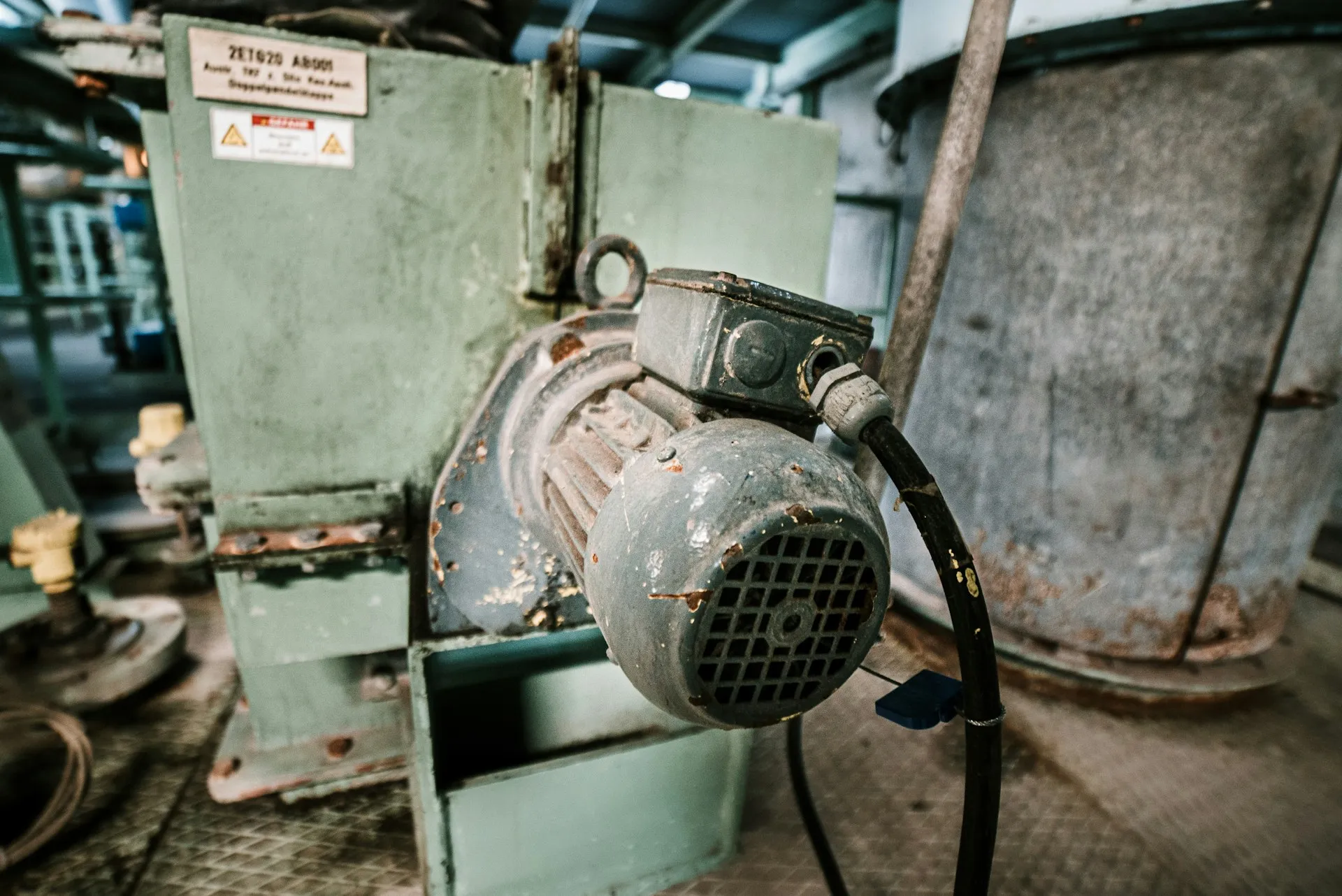
Overvoltage on deceleration. The drive is being asked to stop a load faster than it can dissipate the returned energy. The answer is a longer ramp, a braking resistor, or a regenerative drive. It is not a drive defect and replacing the drive changes nothing.
Overcurrent on start. Usually acceleration ramp or sizing. Sometimes a mechanical problem the drive is reporting honestly: a seized bearing, a jammed conveyor, a brake that has not released.
Ground fault and intermittent trips with no pattern. This is almost always shielding and grounding. A drive is the largest electrical noise source in most panels. A motor cable shield terminated at one end only, terminated through a pigtail instead of a 360-degree gland, or run in the same tray as signal wiring, produces faults that look random and are not. Rockwell’s wiring and grounding guide states that motor and input cable shields must be bonded at both ends and describes pigtail termination as the least effective method of noise containment. Before replacing anything, look at how the motor cable is terminated. This single check resolves more recurring drive faults than any other.
Input power quality. Undervoltage and phase-loss faults that track a specific time of day are usually the plant, not the drive.
Communication faults on a network drive. These are network faults presenting as drive faults. See EtherNet/IP and CIP; the usual cause is multicast flooding on an unmanaged switch.
A diagnostic order that works
- Read the fault against the correct manual for that family and firmware revision
- Check the fault history, not just the current fault. The pattern matters more than the instance
- Establish whether it correlates with a machine state, a time of day, or another piece of equipment starting
- Check the mechanical before the electrical. Turn the shaft by hand
- Check the installation: motor cable termination, shield, grounding, cable routing
- Check the parameters against the stored configuration file. If there is no stored file, that is the finding
- Only then suspect the drive
A worked example (illustrative)
An illustrative scenario, not a description of any one plant.
A conveyor drive trips two or three times a week. Maintenance has replaced it once and the trips continued. Following the order above: the fault queue shows the same fault each time, always within a few minutes of the first shift starting. The shaft turns freely by hand and the belt tension is correct. The time correlation points at something starting nearby, and the motor cable turns out to run in a tray beside a newly installed compressor feed, with its shield terminated through a long pigtail at the drive end. Re-terminating the shield with a proper gland and moving the cable resolves it. The replaced drive was never the problem, and the stored parameter file is what made the earlier swap quick.
Parameter files are an asset, treat them as one
A configured PowerFlex holds hundreds of parameters representing decisions somebody made and did not document. Export and store the parameter file for every drive on site, and keep it with the machine documentation.
A drive that fails with a stored configuration is a twenty-minute replacement. The same drive without one is a day of reverse engineering from a machine that is not running, with somebody guessing at acceleration ramps. This is the cheapest resilience measure available at this layer and most plants have not done it. On networked drives, Automatic Device Configuration lets the Logix project hold the drive configuration and download it to a replacement. FactoryTalk AssetCentre automates backup and comparison across the whole site.
Checklist before calling a drive faulty
- Family, catalogue number and firmware revision recorded from the drive itself
- Fault queue and alarm status read and written down before any reset
- Correlation checked against shift start, product, time of day and nearby equipment
- Shaft turned by hand and the brake confirmed released
- Motor cable shield bonded at both ends, routed away from signal wiring
- Parameters compared with the stored file
- For a networked drive, the switch and IGMP configuration checked
If a drive keeps tripping and the checklist has not found it, our plant systems assessment looks at the installation, the network and the configuration together.
Related: Kinetix Servo Migration · Drives and Motion · Rockwell Automation hub
Frequently asked questions
Where do I find what a PowerFlex fault code means?
In the user or programming manual for that exact drive family, at the firmware revision the drive is running. The 520-series codes are in the PowerFlex 520-series user manual, and the 750-series codes are in the 750-series programming manual, which is organised by firmware revision. Read the family and firmware from the drive before looking anything up, and never use a code list from another family.
Are PowerFlex fault codes the same across drive families?
No. Each family has its own fault table, so the same number on a PowerFlex 525 and a PowerFlex 753 can describe different conditions. Generic lists online and AI assistants often answer for the wrong family without saying so. Identify the family and firmware first, then resolve the code against that manual. If the two disagree with a forum post, the manual wins.
Why does my PowerFlex trip on overvoltage when it stops?
During deceleration the motor acts as a generator and returns energy to the drive's DC bus. If the ramp is shorter than the drive can absorb, the bus voltage rises and the drive trips. The fix is a longer deceleration time, a dynamic braking resistor, or a regenerative drive. Replacing the drive changes nothing, because the drive is reporting the physics correctly.
Does resetting a PowerFlex fault erase the fault history?
It can. On the 520-series, the fault clear parameter offers a reset that leaves the fault buffer intact and a separate option that clears all fault buffers to zero. Read and record the fault queue before clearing anything, because the pattern across several faults is usually more useful than the latest one. Auto-restart settings can also hide repeated trips.
How do I back up PowerFlex drive parameters?
Upload the parameter set with the drive configuration software or the Logix Add-On Profile and store the file with the machine documentation, under version control if possible. Networked drives can also use Automatic Device Configuration, where the Logix project holds the drive configuration and downloads it to a replacement. Test a restore on a spare drive at least once.
References and further reading
- PowerFlex 520-Series Adjustable Frequency AC Drive User Manual (520-UM001) · Rockwell AutomationThe 520-series fault table, the fault queue, fault clear options and Automatic Device Configuration.
- PowerFlex 750-Series AC Drives Programming Manual (750-PM001) · Rockwell AutomationMajor, minor and non-resettable faults and Type 1 and Type 2 alarms, by firmware revision.
- Wiring and Grounding for Pulse Width Modulated (PWM) AC Drives (DRIVES-IN001) · Rockwell AutomationShield bonding, cable routing, reflected wave and common mode noise.
- Product Compatibility and Download Center · Rockwell AutomationFirmware, Add-On Profiles and lifecycle status by catalogue number.