
Rockwell Automation
EtherNet/IP, CIP and Stratix: The Rockwell Network Layer
EtherNet/IP and CIP explained: how the traffic works, where Stratix switches fit, why unmanaged switches cause downtime, and how to handle legacy networks.
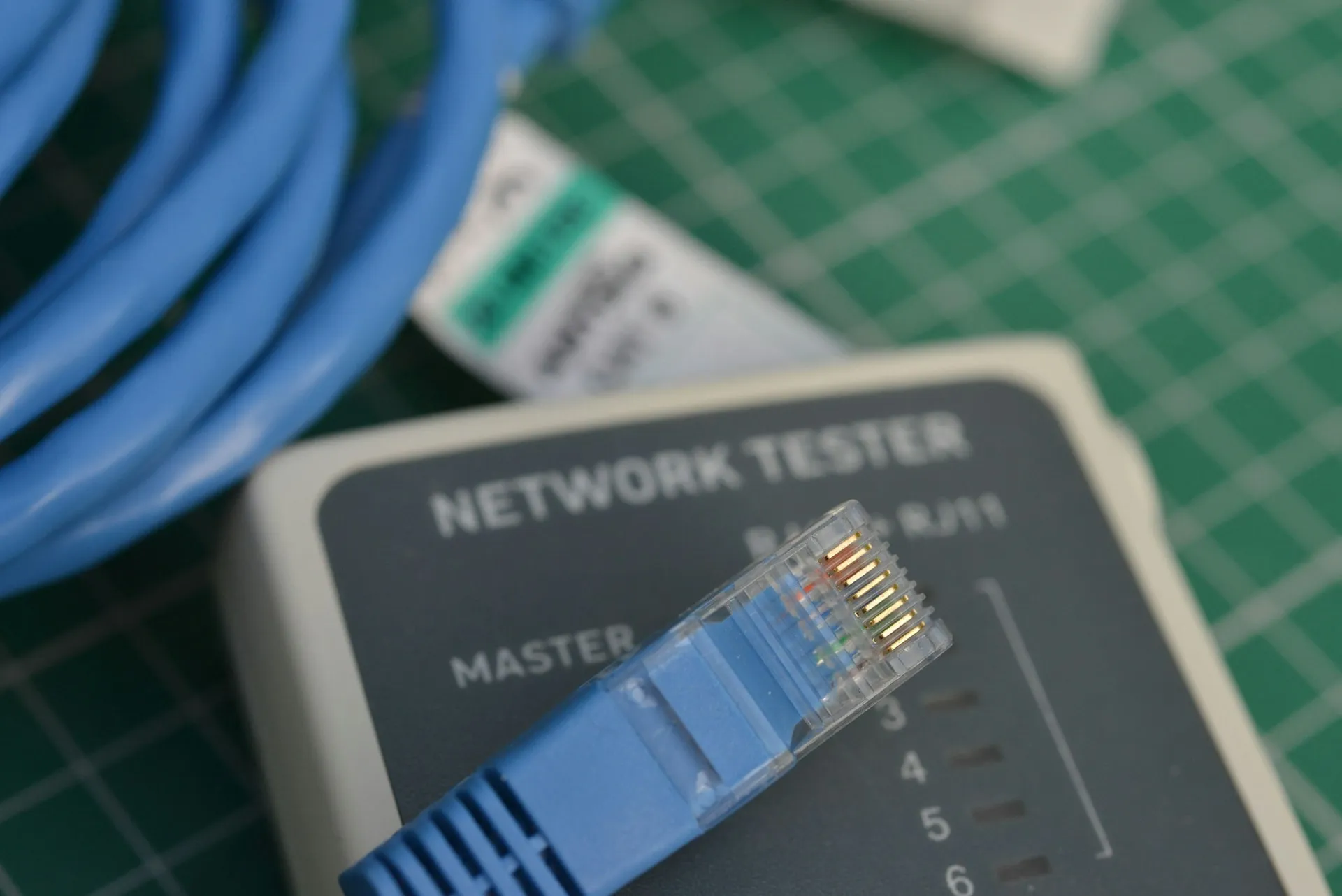
EtherNet/IP is the network layer plants understand least and depend on most. It carries I/O, drives, motion, safety, HMI and engineering traffic for every current Rockwell Automation system, over Ethernet cable and switches that look exactly like the ones in an office. When it is designed well nobody thinks about it. When it is not, the symptoms appear as controller faults, HMI dropouts and motion errors, and weeks get spent debugging equipment that was never the problem.
This page explains how EtherNet/IP and CIP actually work, how to choose switches and segmentation, how the network fails, and what to do with the legacy networks still carrying production. It is part of the Rockwell Automation cluster, with detail on EtherNet/IP and CIP and Stratix and segmentation one level down.
EtherNet/IP is not Ethernet
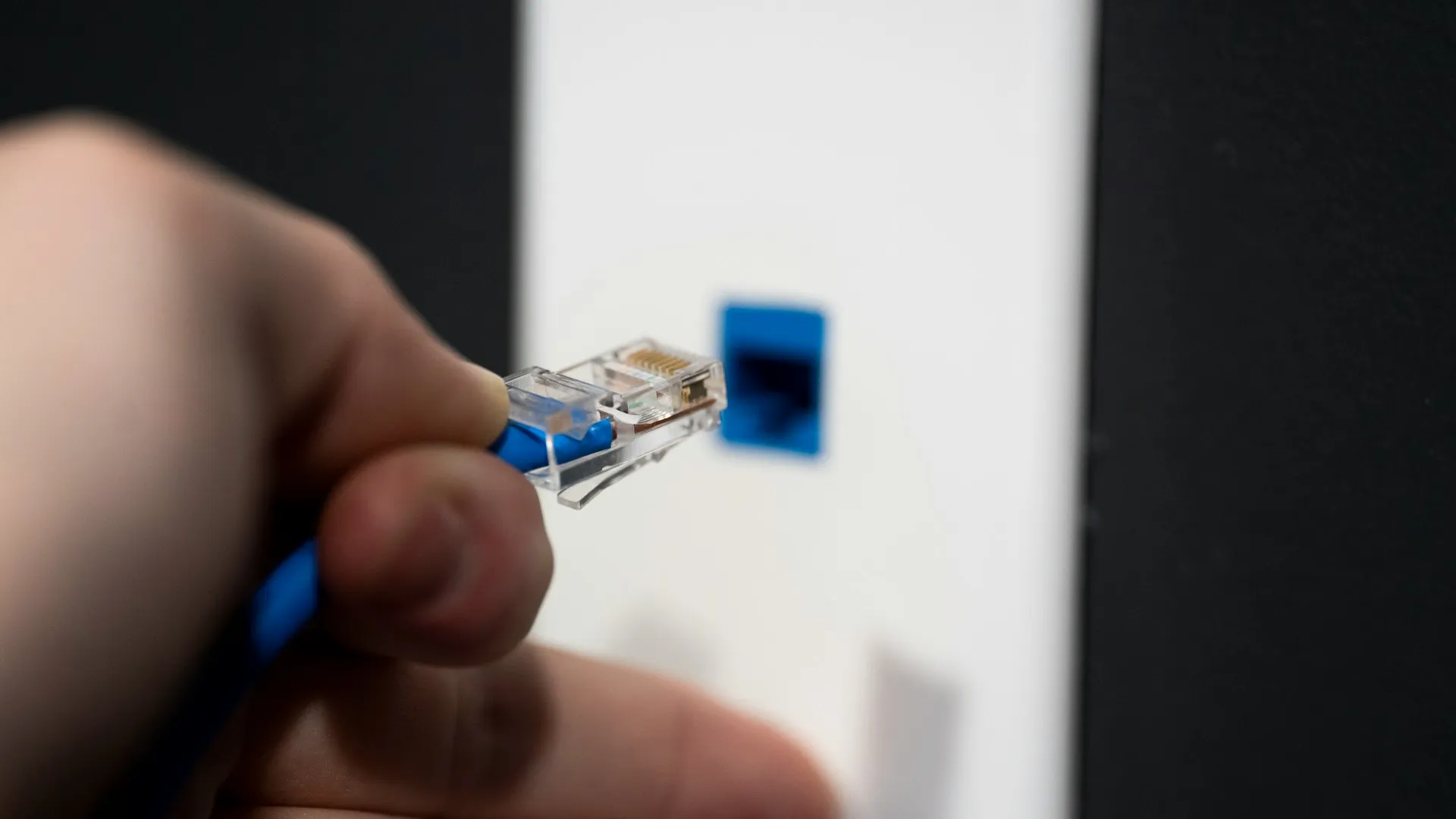
The distinction matters and is routinely missed. EtherNet/IP is the Common Industrial Protocol running over standard Ethernet. The “IP” is Industrial Protocol, not Internet Protocol. CIP is an object model and messaging standard, maintained by ODVA rather than by Rockwell, and the same protocol runs over DeviceNet and ControlNet at the lower layers. ODVA also defines the CIP services that ride on top: CIP Safety, CIP Motion, CIP Sync and CIP Security.
The practical consequence: moving a plant from ControlNet or DeviceNet to EtherNet/IP changes the media, the hardware and the addressing, but the messaging model the controller uses is recognisably the same. That is why these migrations are more predictable than a controller platform migration, and why they are still routinely under-scoped on the physical side.
How EtherNet/IP traffic works: implicit and explicit messaging
Two traffic types share the wire and behave completely differently.
Implicit messaging, also called I/O or connected messaging, is cyclic. A connection is established once with an agreed Requested Packet Interval, and data flows on that schedule with no request per packet. This is how controllers talk to I/O and drives. It runs over UDP, as unicast or multicast, and it is deterministic and sensitive to interruption. Rockwell’s network devices manual states that an implicit connection times out after the RPI multiplied by a controller-selected multiplier, chosen so the timeout is at least 100 ms. A connection at a fast RPI therefore tolerates only a short run of lost packets before the controller declares a fault.
Explicit messaging is request and response over TCP, used for configuration, diagnostics, HMI reads and MSG instructions between controllers. It is tolerant of delay.
Where plants get hurt is loading a network carrying implicit I/O traffic with unmanaged explicit traffic, broadcast storms or, most commonly, multicast traffic that an unmanaged switch floods to every port. Implicit connections start timing out, the controller logs I/O faults, and the investigation goes to the I/O module.
Unmanaged switches are the most common root cause we find
An unmanaged switch cannot do IGMP snooping, so it treats multicast as broadcast and floods it everywhere. It offers no diagnostics, no port statistics, no VLAN separation and no way to see what is happening. Rockwell’s own Ethernet design manual restricts unmanaged switches to networks with no I/O traffic, or to isolated networks of Rockwell devices with no risk of overloading a device. On a bench it is fine. On a production network it converts a small problem into an intermittent, plant-wide one that nobody can see.
The failure signature is characteristic: intermittent I/O connection timeouts, no pattern, worse when more devices are added, and every individual device tests fine.
The querier is the detail that gets missed. Snooping works by listening to membership reports, and those reports only keep flowing if a querier on the VLAN asks for them. The Ethernet design manual notes that Rockwell products support IGMP versions 1 and 2, that version 2 elects the querier automatically as the IGMP-capable device with the lowest IP address on the VLAN, and that without a router the querier belongs on a centrally located switch.
Stratix switches
Stratix is Rockwell’s industrial switch line, built on Cisco hardware and IOS, with a Rockwell configuration layer that integrates with Studio 5000 and FactoryTalk.
| Model | Position |
|---|---|
| Stratix 2000 | Unmanaged. Appropriate only where a managed switch genuinely is not needed |
| Stratix 5700 / 5800 | Managed layer 2, the mainstream plant-floor choice. 5800 is the current generation |
| Stratix 5400 / 5410 | Managed, higher port count and layer 3 capability for distribution |
| Stratix 8000 / 8300 | Earlier managed generations, widely installed |
The genuine argument for Stratix is not switching performance, which is Cisco’s. It is that the switch appears in the Logix project as a device with diagnostics the controls team can see, rather than as a black box owned by IT. The genuine argument against is cost and that a competently configured industrial switch from another vendor does the same job. We say which is right for a given plant based on who will actually administer it.
How to design an EtherNet/IP network: zones, not a flat subnet
The reference model is Converged Plantwide Ethernet, the Rockwell and Cisco design guide that divides a plant into cell/area zones for each line or process area, an industrial zone for site operations, and a controlled boundary to the enterprise. It lines up with the zones and conduits of ISA/IEC 62443, and it is the shape a plant should be moving towards, one step at a time.
How the design decisions line up:
| Decision | Default we recommend | When to differ |
|---|---|---|
| Switch type on I/O networks | Managed, with IGMP snooping and a querier | Isolated machine networks with no I/O traffic |
| Switch brand | Whoever will administer it decides | Stratix where controls owns the network; IT’s standard where IT does |
| Topology at the machine | Star, or a Device Level Ring where cable redundancy matters | Linear only for small, non-critical cells |
| Segmentation | One VLAN per line or process area | Finer only where a requirement drives it |
| Enterprise boundary | Firewall with brokered services | Never a flat route to the office network |
| RPI | Set from the application | Defaults only where the count is small |
The legacy networks
DH+, Remote I/O, DeviceNet and ControlNet still carry production in a lot of plants.
- They work. There is no urgency argument based on function
- The urgency is spares and skills. Media, taps and scanner modules are increasingly hard to source, and the people who can commission a ControlNet segment are retiring
- Migration is usually bundled, done alongside a controller or drive project rather than as a standalone network project, because that is when the machine is already down
| Network | Media | What to watch |
|---|---|---|
| DH+ | Twinaxial cable (“blue hose”) | Programming and peer messaging tied to PLC-5 and SLC-era hardware |
| Remote I/O | Twinaxial cable (“blue hose”) | Usually retires with the PLC-5 it serves |
| ControlNet | Coax with taps | Scheduled network; keepers, taps and terminators are the spares to check |
| DeviceNet | CAN trunk and drop | Device-level products retire fastest; power and termination faults dominate |
DeviceNet is the one most plants meet first, because it sits at the device level where the individual products retire fastest. We cover it in depth on its own page, across every vendor that implements it rather than only the Rockwell portfolio: DeviceNet, how it works, what breaks it, and when to migrate.
A worked example (illustrative)
An illustrative scenario, not a description of any one plant.
A plant reports I/O faults on two lines, a few times a week, always different modules. Every module tests good on the bench. A walk of the network finds both lines, the office printers and the camera system on one subnet, joined by a mix of unmanaged switches in machine panels. The fix is sequenced: managed switches with IGMP snooping and a querier replace the unmanaged ones on both lines first, which stops the flooding; each line then moves to its own VLAN; the office and camera traffic move off the control network; and the boundary to the enterprise becomes a firewall rather than a shared switch. The faults stop at step one. The later steps make the next fault findable.
How to evaluate an EtherNet/IP network
- Is there a current drawing of the physical and logical network, including every switch in every panel?
- Are any unmanaged switches carrying I/O traffic?
- Is IGMP snooping enabled, and is there an active querier on each VLAN?
- Is control traffic separated from office, camera and guest traffic?
- Are RPIs set from the application, or left at defaults across large I/O counts?
- Has anyone counted controller and module connections against their limits?
- Are switch configurations backed up and restorable?
- Which legacy networks remain, and which upcoming projects will take those machines down anyway?
If the answers are mostly unknown, an OT network assessment is the starting point. Our article on industrial Ethernet reliability covers the physical side in more depth.
What we do here
- Map the physical and logical network as it actually is, including what nobody documented
- Diagnose intermittent faults to their real cause instead of replacing suspected I/O
- Design segmentation that reflects how the plant runs, not an idealised architecture
- Specify managed switching and configure it properly, including IGMP and VLAN design
- Validate performance under production load rather than on a quiet network
- Plan legacy network migration alongside the projects that already require downtime
Deeper
- EtherNet/IP and CIP Explained: implicit and explicit messaging, RPI, and how connection limits actually bite
- Stratix Switches and Network Segmentation: selection, IGMP, VLAN design and where segmentation belongs
Back to the Rockwell Automation hub, or across to Programmable Controllers and Drives and Motion, where Integrated Motion turns network design into motion performance.
Frequently asked questions
What is EtherNet/IP?
EtherNet/IP is an industrial network protocol that runs the Common Industrial Protocol (CIP) over standard Ethernet and TCP/IP. The IP stands for Industrial Protocol. ODVA manages the specification and its conformance testing, not Rockwell. Controllers use it for cyclic I/O, produced and consumed tags, drives, motion and safety, and for request and response messaging from HMIs and engineering tools.
Is EtherNet/IP the same as ordinary Ethernet?
It uses the same cables, connectors and switches, but the traffic behaves differently. Cyclic I/O runs over UDP, often as multicast, on a fixed interval and times out if packets stop arriving. Office traffic tolerates delay; I/O traffic does not. That is why a switch or network design that works for an office can cause intermittent faults on a production network.
Do I need managed switches for EtherNet/IP?
On anything carrying I/O, almost always. Rockwell's Ethernet reference manual limits unmanaged switches to networks without I/O, or to isolated networks of Rockwell devices with no risk of overload. Managed switches add IGMP snooping to contain multicast, port diagnostics, VLANs, resiliency protocols and port security. The price difference is small against one shift of unexplained downtime.
What is an RPI in EtherNet/IP?
The Requested Packet Interval is how often a connection exchanges data. Each connection at a given RPI consumes controller, module and network capacity continuously, whether the data changes or not. Set it from what the application needs. A motion or safety connection has a genuine requirement; a slow temperature does not need reading every few milliseconds.
Should we replace DeviceNet and ControlNet with EtherNet/IP?
Not urgently for function, since they still work. The pressure comes from spares and skills: media, taps and scanner modules are harder to source and fewer people can commission them. The usual approach is to migrate the network when a controller or drive project already takes the machine down, rather than as a standalone network project.
References and further reading
- EtherNet/IP · ODVAThe specification owner's description of EtherNet/IP and its conformance testing.
- Common Industrial Protocol (CIP) · ODVACIP across EtherNet/IP, DeviceNet, ControlNet and CompoNet, and its Safety, Motion, Sync and Security services.
- Ethernet Design Considerations Reference Manual (ENET-RM002) · Rockwell AutomationManaged versus unmanaged switches, IGMP snooping and querier, multicast limits and resiliency.
- EtherNet/IP Network Devices User Manual (ENET-UM006) · Rockwell AutomationImplicit and explicit messaging, RPI and connection timeouts.
- Converged Plantwide Ethernet (CPwE) Design and Implementation Guide (ENET-TD001) · Rockwell Automation and CiscoThe reference architecture for cell/area zones, the industrial zone and the boundary to the enterprise.
- Stratix Managed Switches User Manual (1783-UM007) · Rockwell Automation
- ISA/IEC 62443 Series of Standards · ISA