
FactoryTalk: Rockwell's Software Portfolio, Layer by Layer
FactoryTalk Historian: When It Is the Right Answer
FactoryTalk Historian explained: what the PI-based platform does well, what it costs, why it is not an OEE system, and what to decide before buying tags.
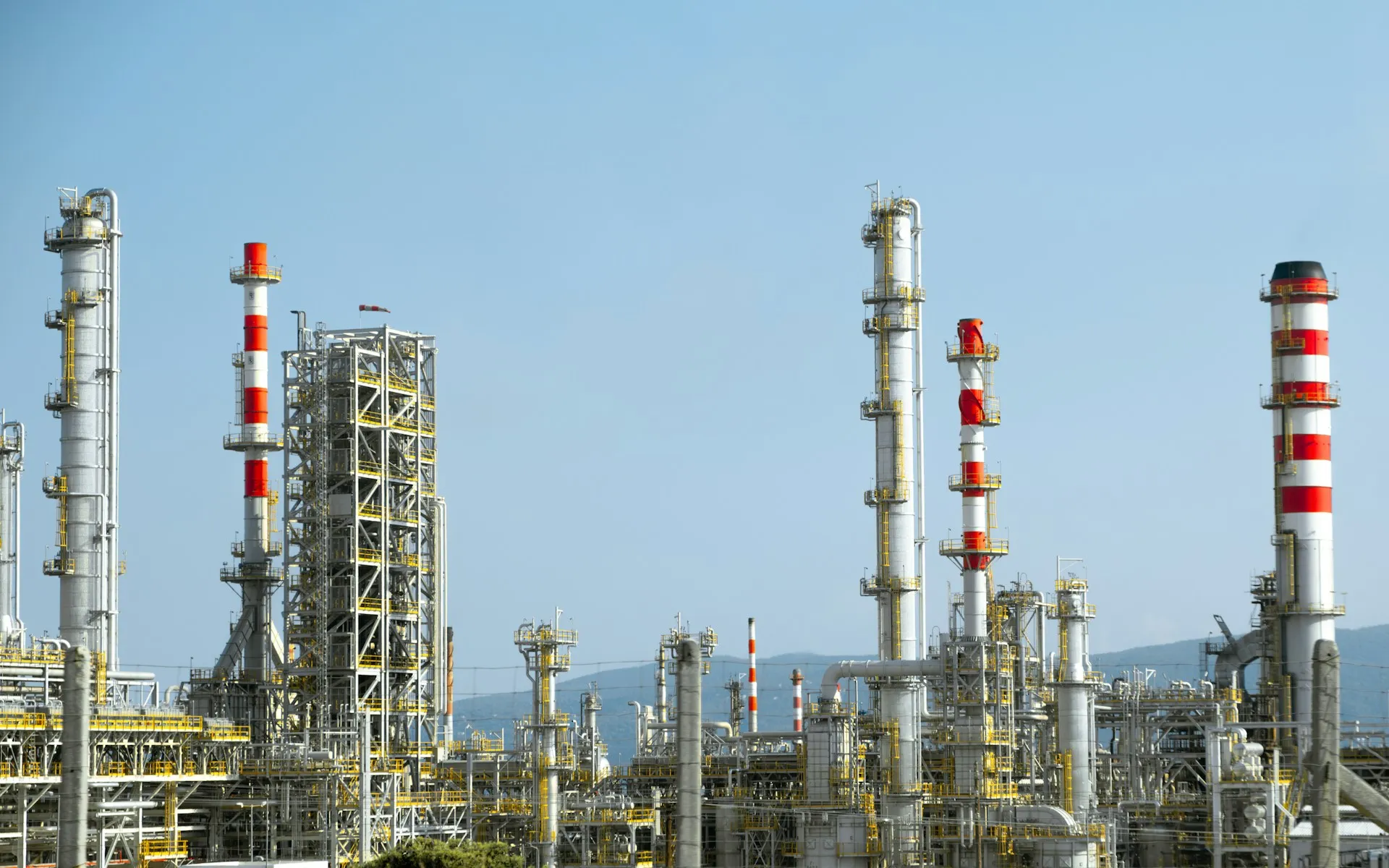
FactoryTalk Historian is the OSIsoft PI platform, sold and integrated by Rockwell; Rockwell’s own security advisory SD1669 describes the Site Edition as using the AVEVA PI Server. It is very good at what it does. The failure mode is not the product. It is buying it to answer a question it was not built for. This page explains what it does well, where it does not fit, what drives its cost, and how to get the data right before it arrives.
It belongs to FactoryTalk Software in the Rockwell Automation cluster.
What FactoryTalk Historian is genuinely good at
Long-horizon, high-resolution time series. Continuous process values recorded at high resolution and retained for years, with compression that preserves the shape of the signal rather than sampling it away. When you need to look at a temperature trace from eighteen months ago at the resolution it was recorded, this is the category of tool that does it.
Interpolation and time alignment. Tags recorded on different schedules, from different sources, queried together on a common time base. On a process investigation that spans forty signals from three systems, this is the capability that matters and it is genuinely hard to replicate.
Compression that is not lossy in the ways that matter. The swinging-door style compression stores points that define the signal’s shape and discards points that lie on a line between them. The result is dramatic storage reduction with the trace still faithful.
A mature query and analysis ecosystem, including the client tools people in process industries already know.
Two editions, two jobs. Rockwell’s historian page positions the Site Edition as the plant and enterprise historian, with redundancy and high availability, and the Machine Edition as a module embedded in the controller chassis with a small footprint, for a record kept at the machine. Most of this page is about the Site Edition.
How FactoryTalk Historian collects data
The path from a controller to a trend has four stages, and each one is a place where the data’s usefulness is decided.
Collection survives outages only if it is configured to. The FactoryTalk Live Data Interface that reads controller data can buffer values while the server is unreachable and can run as a redundant pair with failover, as Rockwell’s redundant interface guide describes. A collector that is not buffered leaves a gap in the archive every time the network or the server blinks, and nobody notices until an investigation needs that hour.
Where FactoryTalk Historian does not fit
It is not an OEE system. OEE needs states, events, reason codes and shift context: this machine was down, for this long, for this reason, attributed to this shift. A historian stores values against time. You can build state and event logic on top of it, and plants do, and it is consistently more work and less satisfactory than using a tool built for the job.
It is not an MES. No genealogy, no work orders, no electronic batch records.
It is not a reporting tool. It stores and serves data. Turning that into something an operations manager reads every morning is a separate exercise that needs to be scoped and funded.
| Question | Process historian | OEE and downtime tool | MES |
|---|---|---|---|
| What did this temperature do last March? | Built for it | No | No |
| Why did line 2 stop, and for how long? | Raw signals only | Built for it | Partly |
| Which lot went into which finished batch? | No | No | Built for it |
| How did this shift perform against target? | With custom work | Built for it | Often |
| Do the process values correlate with a quality excursion? | Built for it | No | With integration |
The question to answer before buying
What decision will this data support, and who makes it?
If that has a specific answer, specify against it. If it does not, you are about to license tags against a hope.
The most expensive failure in this layer is quiet: a historian collecting several thousand tags that no report, dashboard or decision has ever consumed. It runs, it costs licence and infrastructure money every year, and nobody notices because nothing breaks. Audit consumption periodically. A tag nobody has queried in twelve months is a tag to question.
Cost, honestly
Licensing is typically driven by tag count, and the count grows quietly. Beyond the licence:
- Server infrastructure, sized for the retention and query load
- Storage over the retention horizon
- Interfaces and collectors to each data source
- Client licences, depending on the tools and the number of users
- Patching, including the PI Server underneath, when advisories such as SD1669 are published
- Someone to own it, which is the recurring cost that decides whether it stays useful
The tag count question deserves attention at design time. “Collect everything, decide later” is an appealing instinct and an expensive one, because the licence and the storage are permanent while the decision to use the data may never arrive.
Getting the data right before it arrives
A historian is downstream of everything else, and it faithfully records whatever it is given.
Tag naming. If the controller exposes N7_12 then that is what the historian holds, and every query and report inherits it. This is the strongest practical argument for getting project structure right before a historian is deployed.
Resolution matched to the signal. Collecting a slow temperature at high frequency wastes capacity. Collecting a fast pressure transient too slowly loses the event you deployed the historian to catch. Set both from what the process does.
Context alongside values. A value without the batch, product, shift or machine state it belongs to is far less useful than it looks. Deciding where that context comes from is part of the design, not something to add later.
Data quality. A sensor reading zero and a sensor that has failed both record as zero unless quality is captured. Investigations built on unqualified data reach confident wrong conclusions.
A worked example (illustrative)
An illustrative scenario, not a description of any one plant.
A food plant asks for a historian to “see why the ovens underperform”. Two questions come back before any licence: is the problem lost time or lost quality, and who will act on the answer? It turns out to be both. Downtime reasons go to a simple downtime tool fed by machine states from the controllers. The historian is scoped to the oven zone temperatures, belt speeds and burner signals the quality team needs to correlate against rejected batches, collected at rates matched to each signal, with batch and product context alongside. The tag count is a fraction of the original “collect everything” estimate, and every tag has a named consumer.
The position we take
Most plants need AssetCentre before they need Historian. Protecting the code and configuration you already have is a smaller, cheaper, higher-certainty return than collecting data you have not yet decided how to use. See AssetCentre and version control.
If the question is OEE and downtime reasons, buy something built for that. A historian will disappoint everyone involved and cost more. Our OEE and downtime improvement work starts from that question.
If the question is process behaviour over long horizons at real resolution, Historian is excellent and worth what it costs.
We are independent of this stack and take no licence margin, so when the honest answer is that a plant does not need it this year, that is the answer. For the vendor-neutral view of the category, see SCADA and historians, and for how FactoryTalk Historian compares with the other products in 2026, our data historian guide.
Related: FactoryTalk AssetCentre and Version Control · FactoryTalk Software · Rockwell Automation hub
Frequently asked questions
What is FactoryTalk Historian?
FactoryTalk Historian is Rockwell Automation's process historian. It collects time-series values from controllers and other systems, compresses and stores them for years, and serves them back for trends, analysis and reports. The Site Edition is built on the PI platform originally developed by OSIsoft; Rockwell's security advisories describe it as using the AVEVA PI Server. A Machine Edition runs as a module in the controller chassis.
Is FactoryTalk Historian the same as PI?
The Site Edition is built on the PI platform, so the archive, compression and much of the client ecosystem are PI technology, sold and integrated by Rockwell with FactoryTalk collection and security. That shared base also means PI Server security advisories can apply to it, as Rockwell's advisory SD1669 shows. Licensing, support and versions run through Rockwell, so confirm the edition before assuming feature parity.
What is the difference between FactoryTalk Historian SE and ME?
The Site Edition is the plant and enterprise historian, running on servers with redundancy and high availability options, collecting from many controllers. The Machine Edition is a module that sits in the controller chassis and stores data locally at the machine, with a small footprint and solid-state hardware. ME suits a machine that needs its own local record; SE suits a site.
Can FactoryTalk Historian be used for OEE?
It can supply the raw signals, but it is not an OEE system. OEE needs machine states, downtime events, reason codes and shift context, and a historian stores values against time. Plants do build state logic on top of a historian, and it is consistently more work and less satisfactory than a tool designed for downtime and OEE. Use each for its own question.
How is FactoryTalk Historian licensed?
Licensing is typically driven by the number of tags, or points, collected, with client tools and some interfaces licensed separately. The tag count grows quietly as people add points and rarely shrinks. Decide which tags support which decisions before the first purchase, and audit tag usage periodically, because the licence and storage cost is permanent while unused tags change nothing.
References and further reading
- Operational Historian Software (FactoryTalk Historian) · Rockwell AutomationThe Site Edition and Machine Edition, as Rockwell positions them.
- FactoryTalk Historian Site Edition · Rockwell Automation
- FactoryTalk Historian SE Vulnerable to AVEVA-2024-001 and AVEVA-2024-002 (SD1669) · Rockwell AutomationConfirms the Site Edition uses the AVEVA PI Server, and why PI advisories apply.
- FactoryTalk Historian SE Redundant Interface Configuration Guide (HSELD-RM001) · Rockwell AutomationBuffering and failover on the FactoryTalk Live Data Interface that collects from controllers.
- Product Compatibility and Download Center · Rockwell Automation