
octoplant Backup and Recovery: How Industrial Restore Actually Works
octoplant Automated Backup: Jobs, Schedules and a Backup Policy That Holds
octoplant automated backup explained: how scheduled jobs upload and compare device programs, how to handle offline machines and PCs, and a sample policy.
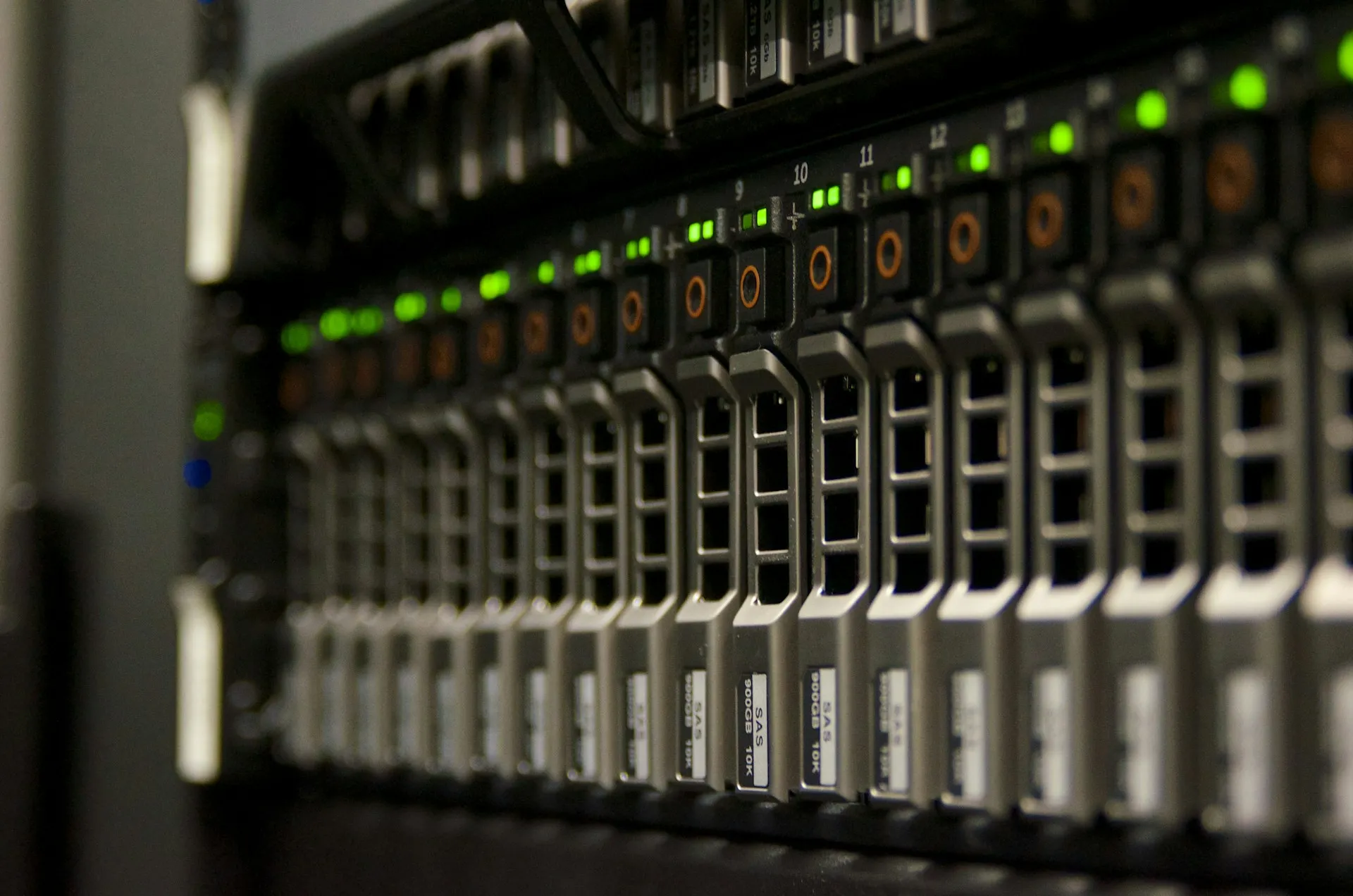
What does octoplant automated backup actually do between failures, and what should a plant decide before switching it on? The short answer: it runs scheduled jobs that pull the running program out of each device, compare it with the last stored version, and keep a history. The longer answer is that the software is the easy part. The policy around it decides whether the backup you need on the worst day exists, is current and can be restored.
This page sits under octoplant backup and recovery, which explains why industrial backup differs from IT backup. Here we cover the mechanics and the policy, as of October 2026.
How octoplant automated backup jobs work
A job is the unit of work. AMDT describes octoplant running “scheduled jobs across your OT environment” in the background. Each job pairs a device (or a group of devices) with a schedule and an action. The cycle is the same every time:
- Trigger. A schedule, or a manual start before a planned change.
- Connect and upload. The job reaches the device through its integration and reads what is running.
- Compare. The upload is compared with the stored version.
- Record. If nothing changed, the result is logged. If something changed, a new version is stored with its timestamp.
- Notify. AMDT says octoplant tells you when “backups fail, devices become unreachable, or configuration states deviate from the expected version”, and the product page mentions email triggers.
Jobs are not metered. AMDT’s pricing page states that all editions include unlimited jobs. The constraint is the device count per edition, not the number of jobs, so there is no licensing reason to run fewer backups than the plant needs.
Upload-and-compare: why the device is the source of truth
The key design choice is that the job reads from the device, not from an engineer’s project folder. A project file on a laptop records what someone intended. An upload records what is running. When the two disagree, the upload is the one that will matter during a recovery.
The compare step turns a pile of backups into information. A “changed” result means someone edited the device since the last job: a planned change, a well-meant fix on night shift, or something worse. Sorting those out is the job of change detection, and reading the difference itself is what Smart Compare is for.
Unnetworked and partially networked machines
AMDT states that octoplant works for “unnetworked or partially networked machinery and plant”. Read that carefully. A scheduled job cannot reach a machine with no network path, so the backup has to be taken locally by a person with a laptop and a cable, then checked into the repository. octoplant can hold, version and compare that copy; it cannot go and fetch it.
Illustrative scenario. A packaging line has six OEM machines. Four sit on the plant network. Two stand-alone case packers were delivered with no uplink and nobody has added one. The four networked machines are backed up nightly. The two case packers were last backed up at commissioning, three years ago, and have since had two HMI changes and a timer adjustment. On paper the line is “covered.” In practice a third of it is not.
The decision this drives: either network the machine (with proper segmentation, see our note on brownfield OT network segmentation), or give the manual backup a named owner, a calendar slot and a check in the repository that flags it when it goes stale.
Documents, generic files and PC images
Documents. The product page lists “documents + other file types” alongside devices, and the pricing page states documents do not count toward device limits. Electrical drawings, I/O lists, recipes and the commissioning notes for a machine belong next to its program, because a recovery at 02:00 needs both.
Generic sources. Partner material lists generic files, FTP, SSH and UNC shares as sources (Adeptly). That covers devices with no dedicated integration that can still export a configuration file. Check the current matrix before relying on it.
PC images. HMI PCs, SCADA servers and engineering stations need a disk image, not a program upload. octoplant does not image disks itself. AMDT’s Image Service Integration is described as a service to “integrate supported image-backup approaches into the wider Octoplant protection strategy”. Choose the imaging product, decide where images are stored, and test a bare-metal restore on spare hardware.
What a good octoplant automated backup policy looks like
The table is a starting point we would adapt to each site, not a standard. Frequencies assume a plant where controllers change weekly and drives rarely.
| Asset type | Frequency | Trigger | Retention |
|---|---|---|---|
| PLCs on critical lines | Daily | Schedule, plus before and after every planned change | All changed versions; unchanged runs logged only |
| PLCs on stable equipment | Weekly | Schedule | All changed versions |
| Robot programs | Daily during changeovers, weekly otherwise | Schedule, plus after teaching | All changed versions, with the reason noted |
| HMI and SCADA projects | Weekly | Schedule, plus after any screen or alarm change | All changed versions |
| Drive parameters | Monthly | Schedule, plus after replacement or tuning | All changed versions |
| Switches and firewalls | Weekly | Schedule, plus after any rule or VLAN change | All changed versions |
| Unnetworked machines | Monthly, by a named person | Calendar, plus after any change | All versions; alert when older than the interval |
| PC images | Quarterly, and before patching | Calendar and change | Last three good images |
| Documents | On change | Check-in | All versions |
Two columns the table leaves out: copies and location. NIST’s OT security guide says backup plans “should specify which files require backup, how often they should be backed up, the number of copies to be made, the location of the backup (e.g., offline, off-site) and how long backup copies should be kept” (NIST SP 800-82 Rev. 3, appendix E.3.1). The table covers frequency and retention per asset. Copies and location are set once, for the repository as a whole: one working copy on the octoplant server, and at least one copy of the repository and its database off the server, preferably offline or off-site, so a single incident cannot take out both the devices and their backups.
Two rules matter more than any row. First, every “changed” alert gets classified as planned or not within a set time. Second, someone restores a sample of backups to spare hardware every quarter, because a backup that has never been restored is untested.
AMDT also sells a Job Optimization service to “review existing backup jobs, identify configuration issues and failures”, which tells you that job health drifts in practice.
Where it gets hard
Offline devices. Covered above. They are the largest gap in most policies, and the gap does not show on a dashboard that only counts configured jobs.
Proprietary editors. Many device integrations depend on the vendor’s engineering software to read or interpret the upload. If a robot or drive family has no direct integration, the fallback is a generic file, which you can version but may not be able to compare meaningfully. Check each family in the supported devices list.
Licences for engineering software on the server. Where the job needs the vendor editor installed alongside octoplant, that editor needs a licence, a supported version and someone to keep it updated. A TIA Portal or Studio 5000 upgrade on the engineering side can quietly break a job on the server side. Budget for this and assign it.
Network reach. Jobs need a path to each device through firewalls and segmentation. An OT network assessment is often the step that makes scheduled backup possible.
Alert fatigue. A plant that receives forty “changed” alerts a week and classifies none of them has a log, not a control.
Related: the restore side is on octoplant disaster recovery. Back to backup and recovery or the AMDT hub.
Frequently asked questions
How does octoplant automated backup work?
octoplant runs scheduled jobs that connect to each device, upload what is currently running, and compare it with the stored version. If nothing changed, the job logs the result. If something changed, a new version is stored and an alert can be raised. If the device cannot be reached, that is reported too, so a silent failure becomes a visible one.
How often should PLC backups run?
There is no single answer. Many plants run daily jobs on critical controllers and weekly jobs on stable equipment, plus an event-driven backup before and after every planned change. The right frequency is set by how often the device changes and how much unrecorded change you can afford to lose in a recovery.
Do octoplant backup jobs cost extra per job?
AMDT's pricing page states that all editions include unlimited jobs, and that documents do not count toward device limits. Licensing is per campus with a device allowance per edition. Prices are not published, so confirm costs with AMDT or a partner.
Can octoplant back up PC images?
Not on its own. AMDT offers an Image Service Integration that brings supported image-backup approaches into the octoplant strategy. The imaging product itself is a separate choice, so plan which tool images your HMI PCs, engineering stations and servers before rollout.
What happens to machines that are not on the network?
AMDT states that octoplant works with unnetworked or partially networked machinery. Those machines cannot be reached by a scheduled job, so someone has to take the backup locally and check it in. That makes them the weakest point in most backup policies, and they deserve their own owner and schedule.
References and further reading
- About Octoplant · AMDTScheduled jobs and the alerts for failed backups, unreachable devices and deviations.
- Production Resilience Against Disruptions · AMDT (octoplant.com)Unnetworked machinery, documents and other file types.
- Pricing · AMDT (octoplant.com)Unlimited jobs in every edition; documents do not count as devices.
- Service and Support · AMDTImage Service Integration and the Job Optimization service.
- Guide to Operational Technology (OT) Security, NIST SP 800-82 Rev. 3 · NISTAppendix E.3.1 lists what a backup plan should specify; section 6.2.4.3 covers OT backups.
- Octoplant · Adeptly AfricaPartner material listing generic sources such as FTP, SSH and UNC shares.