
AMDT
octoplant Supported Devices: What AMDT Covers and How to Verify It
octoplant supported devices by category: PLCs, HMIs, robots, CNC, drives, network gear and PCs, AMDT's 180+ claim, and how to check your installed base.
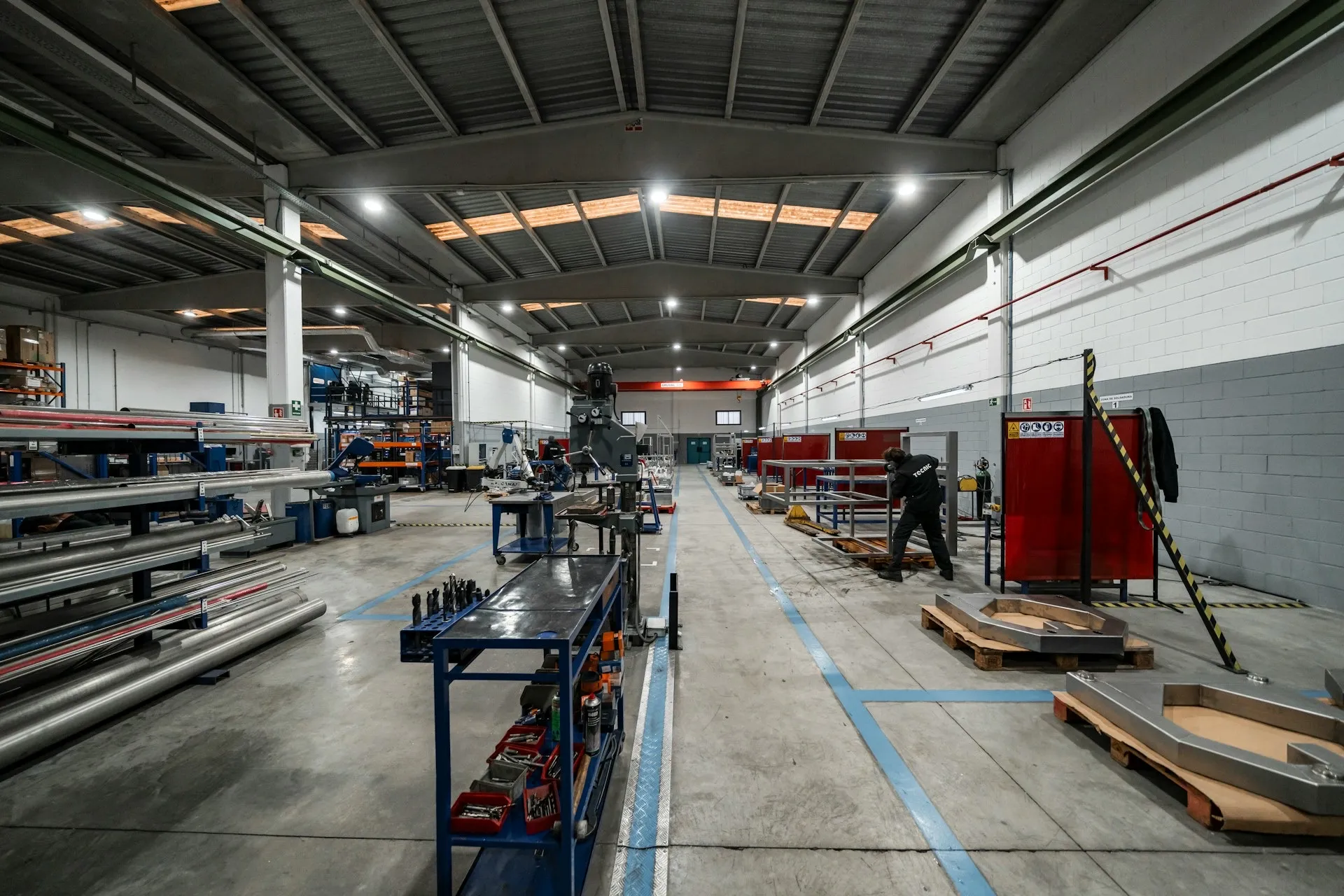
octoplant supported devices is the question that decides whether the platform fits a plant at all. A change management tool is only as useful as the share of your installed base it can read, store and compare, and the devices it cannot reach are exactly where the next long outage hides. AMDT describes octoplant as covering PLCs, HMIs, robots, CNC machines, SCADA systems, drives, field devices, network equipment, industrial PCs and generic files (octoplant.com). This page sets out what that coverage looks like by category, what AMDT claims, why the official matrix is not public, and how to check it against the equipment you actually run.
A note on the lists below. Every vendor and product named on this page is an example drawn from third-party partner pages (iOpen, Adeptly) and AMDT release notes. None of it is a complete or current support matrix. Verify every device that matters to you with AMDT before you buy.
octoplant supported devices by category
The useful way to read coverage is by what each class of device holds and what a backup of it has to capture. A PLC program and a switch configuration are both “a backup”, but they are captured differently and fail differently.
| Category | Example vendors and tools (partner-sourced, not exhaustive) | What a backup captures |
|---|---|---|
| PLCs and engineering software | Siemens STEP 7 and TIA Portal, Rockwell RSLogix 5, 500 and Studio 5000, Schneider Concept and Unity, Beckhoff TwinCAT, CODESYS, B&R Automation Studio, Mitsubishi GX Works2 | Program logic, hardware configuration, the engineering project as the editor stores it |
| HMI, SCADA and DCS | Siemens WinCC and PCS 7, FactoryTalk View ME and SE, AVEVA InTouch and System Platform, COPA-DATA zenon, GE iFIX, ABB Freelance | Screens, tags, alarms, scripts and the runtime configuration |
| Robots | ABB, FANUC, KUKA, Yaskawa, Kawasaki, COMAU, Stäubli, Mitsubishi, OMRON | Programs, positions, tool and frame data, system parameters |
| CNC | FANUC, Siemens SINUMERIK 840D and ONE, Indramat | Part programs, machine data, offsets and PLC side of the control |
| Drives | SEW MOVITOOLS and MOVI-C, Siemens SINAMICS and SIMODRIVE, Danfoss | Parameter sets, motor and application data |
| Network and IT | Siemens SCALANCE, Hirschmann, Rockwell Stratix, mGuard; PC images | Switch, router and firewall configuration; full disk images of industrial PCs |
| Generic | Files, FTP, SSH, UNC shares, documents | Anything stored as files: recipes, manuals, drawings, exports |
Each of the three child pages below takes one group of rows and goes deeper on what backing it up involves and where it goes wrong.
What AMDT claims, and why the matrix is gated
AMDT’s own numbers vary by page. As of October 2026, amdt.com states “180+ industrial device types natively supported”, while octoplant.com states the platform works with “over 160 of the most common OT and IT vendors, covering multiple versions, protocols, and even decades of legacy systems.” The two figures count different things (device types versus vendors), so neither contradicts the other, but neither tells you whether your specific controller firmware or robot controller generation is covered.
The detailed matrix is behind a login. The octoplant documentation and device support listings now sit behind the myAMDT customer portal. That is a common choice for software vendors whose support lists change with every release, and it is not in itself a warning sign. It does mean a buyer cannot self-serve the answer, and that public lists on reseller sites can lag the product by a release or more.
Coverage moves with releases. octoplant 105 (August 2025) added support for FANUC Ladder III 9.6, FactoryTalk View, SEW MOVI-C and GX Works2, plus newer zenon, EcoStruxure and SINUMERIK ONE versions (Novotek UK). The Spring Release 107 in April 2026 again lists wider device support (AMDT). The release you license decides the matrix you get, which is one more reason to read the octoplant release history alongside any device list.
How device support works in principle
The mechanics differ by device, but the shape is the same everywhere:
- A job is defined for a device: where it is, how to reach it, how often to run.
- The job runs on the octoplant server or on an agent close to the device, which matters where the plant has separated subnets (see octoplant architecture).
- The content is uploaded by one of three routes: directly over the vendor’s protocol, through the vendor’s engineering software (or its communication components) installed where the job runs, or as plain files, FTP, SSH or a share.
- The upload is stored as a version in the central repository.
- It is compared against the previous or approved version, and any difference is flagged.
The editor question is the one to ask early. A partner page states that support for many devices “is build directly into” octoplant, so browsing and compare do not need the vendor editor installed (Adeptly). For other device types, the vendor’s software or its drivers have to be present on the machine doing the upload. Where that is true, licensing, Windows versions and editor versions become part of the backup system, and the infrastructure plan has to account for them.
The forgotten assets: robots, drives and network gear
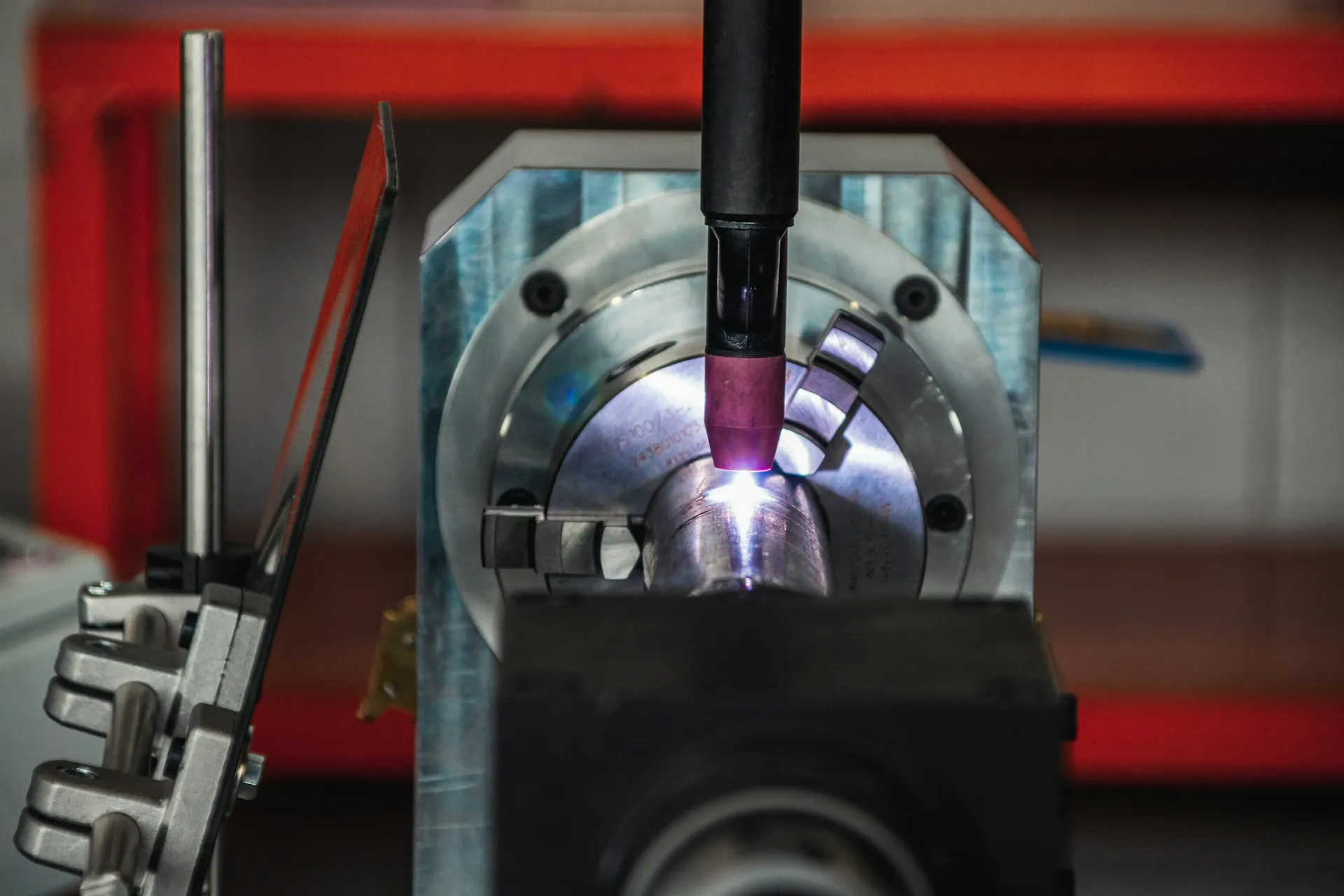
Most plants that have any backup discipline at all have it for PLCs. The PLC is what controls engineers think of first, it is what the integrator hands over, and it is what Rockwell’s FactoryTalk AssetCentre and similar tools were built around. The devices that end up without a known-good copy are the ones around it:
- Robots, whose programs and taught positions are edited at the pendant during changeovers and rarely copied back to a server.
- Drives, whose parameter sets were tuned at commissioning and live nowhere except in the drive itself.
- Network devices, whose VLAN, port and firewall configuration was built once by someone who has since left.
- HMI panels and engineering PCs, which are rebuilt from memory when the hardware dies.
An illustrative scenario. A drive on a filler fails on a Friday night. The spare is on the shelf, but the replacement needs forty parameters set, and the only record is a commissioning sheet from six years ago that predates two retunes. The PLC backup is perfect. The line is still down until Monday, because the asset that failed was not the one anyone protected.
| Asset class | Where the “backup” usually lives today | Consequence on the bad day |
|---|---|---|
| PLCs | Engineering laptops, a shared drive, the integrator | Restore possible, version uncertain |
| Robots | The robot controller, occasionally a USB stick | Re-teaching positions; hours to days per cell |
| Drives | The drive itself, a commissioning sheet | Reverse engineering parameters under pressure |
| HMI and SCADA | The panel or server, an old project file | Rebuilding screens and tags from screenshots |
| Network devices | The switch running config | Lost VLANs and ACLs, flat networks rebuilt in a hurry |
NIST’s OT guidance sets the scope wider than PLCs too. It recommends keeping a list of all maintained backups, including installation media, licence keys and configuration information, and verifying backups for reliability and integrity where technically possible (NIST SP 800-82 Rev. 3, section 6.2.4.3). A device list that stops at the controllers does not meet that recommendation.
This is the strongest argument for a multi-vendor tool. The breadth of the octoplant supported devices list is aimed squarely at the assets a single-vendor tool leaves out, which is where automated device backup earns the most.
Limits and open questions
- The matrix is not public. As of October 2026, there is no way to check model-level support without a login or a vendor conversation.
- Partner lists are dated. The examples on this page come from reseller pages that may lag the current release, and some list items differ between them.
- “Supported” has degrees. Full support may mean automatic upload from the running device plus a detailed compare. Partial support may mean file storage only. The matrix should say which, per device type and version.
- Editor dependencies. Where an upload needs the vendor’s software, that software’s licence, version and operating system become part of your backup infrastructure.
- Unnetworked equipment. AMDT says it covers unnetworked or partially networked machines, but those still rely on a person running the transfer. Coverage on paper is not coverage in practice.
- Competitor breadth is narrower but growing. Copia lists Siemens, Rockwell and Omron (copia.io), and Software Defined Automation cites 13 or more vendors (SDA). Both are adding device types, so a breadth comparison is a snapshot. See octoplant alternatives.
How to evaluate octoplant supported devices against your plant
Do not evaluate against a generic list. Evaluate against yours.
- Bring your installed-base list: vendor, model, firmware and engineering software version for every controller, robot, CNC, drive, HMI, SCADA server and managed switch.
- Ask AMDT or a partner to mark each line: full support, partial, file-only or not supported, in writing, against a named release.
- For each supported type, ask whether the vendor editor must be installed on the server or agent, and which version.
- Ask how devices on separate subnets or behind firewalls are reached.
- Ask what the restore path is for each class, not just the backup path.
- List the gaps and decide who owns them: file-based backup, manual procedure or accepted risk.
- Confirm how new device support is delivered: which release, and on what cadence.
If you do not have the installed-base list, that is the first job. It is the input to any backup tool decision, and it usually surfaces obsolete hardware nobody had flagged. A plant systems assessment builds that list and the risk baseline around it.
Deeper
- PLCs and Engineering Software: Siemens, Rockwell, Schneider, Beckhoff, CODESYS and others, and why editor versions matter
- Robots, CNC and Drives: the assets plants forget, and what backing them up involves
- SCADA, HMI, Network and PCs: HMI and SCADA projects, switch and firewall configuration, PC images and files
Back to the AMDT hub, or across to octoplant backup and recovery.
Frequently asked questions
How many devices does octoplant support?
As of October 2026, AMDT states on amdt.com that octoplant natively supports more than 180 industrial device types, and octoplant.com says it works with more than 160 of the most common OT and IT vendors. Those are AMDT's own figures. The count matters less than whether your specific models, firmware and editor versions are on the current matrix.
Where can I find the octoplant supported device list?
The official support matrix and documentation sit behind the myAMDT customer login as of October 2026. Public examples appear on partner pages such as iOpen and Adeptly, but those can lag the current release. The reliable route is to send your installed-base list to AMDT or a partner and ask for a written, version-level answer.
Does octoplant back up robots and drives, or only PLCs?
AMDT lists robots, CNC machines, drives, HMIs, SCADA projects, network devices, industrial PCs and generic files alongside PLCs. Partner pages name examples such as ABB, FANUC and KUKA robots, SINUMERIK CNC and SEW and Danfoss drives. Support for any particular model and version should be confirmed against the current matrix.
Do I need the vendor's engineering software installed for octoplant to work?
It depends on the device. A partner page notes that support for many devices is built into octoplant, so tree browsing and compare do not need the vendor editor. For other devices, the upload or a detailed compare relies on the vendor's software or its communication components on the machine that runs the job. Ask which applies to each device type you own.
What happens if a device in my plant is not supported?
Unsupported does not always mean unprotected. Many devices can still be covered as generic files, through FTP, SSH or a network share, or as part of a PC image. What you lose is usually the automatic upload from the running device and the detailed compare. Those gaps should be listed and owned, not discovered during a recovery.
References and further reading
- Production Resilience Against Disruptions · AMDT (octoplant.com)Asset types covered, the 160-vendor claim, and the graph, table and text compare views.
- Production Resilience and OT Security · AMDTThe 180+ natively supported device types claim.
- octoplant - Data Security for all Automation Devices · iOpenPartner-published example device list; may lag the current matrix.
- Octoplant · Adeptly AfricaPartner-published example device list and the note on built-in device support.
- Octoplant 105.0 Now Available · Novotek UKRelease 105 device and editor additions.
- Octoplant spring release (107) · AMDT7 April 2026: Asset Lifecycle Management, Companion AI chat and the Export API.
- SP 800-82 Rev. 3, Guide to Operational Technology (OT) Security · NISTSection 6.2.4.2 covers configuration change control; 6.2.4.3 covers backups.