
octoplant Use Cases by Industry: Automotive, Pharma, Food and Utilities
octoplant Food and Beverage Guide: Mixed-Vendor Lines, Changeovers and OEM Handover
octoplant food and beverage use: backing up mixed-vendor lines, OEM skids, HMIs and drives, controlling recipe changes and fixing the OEM handover gap.
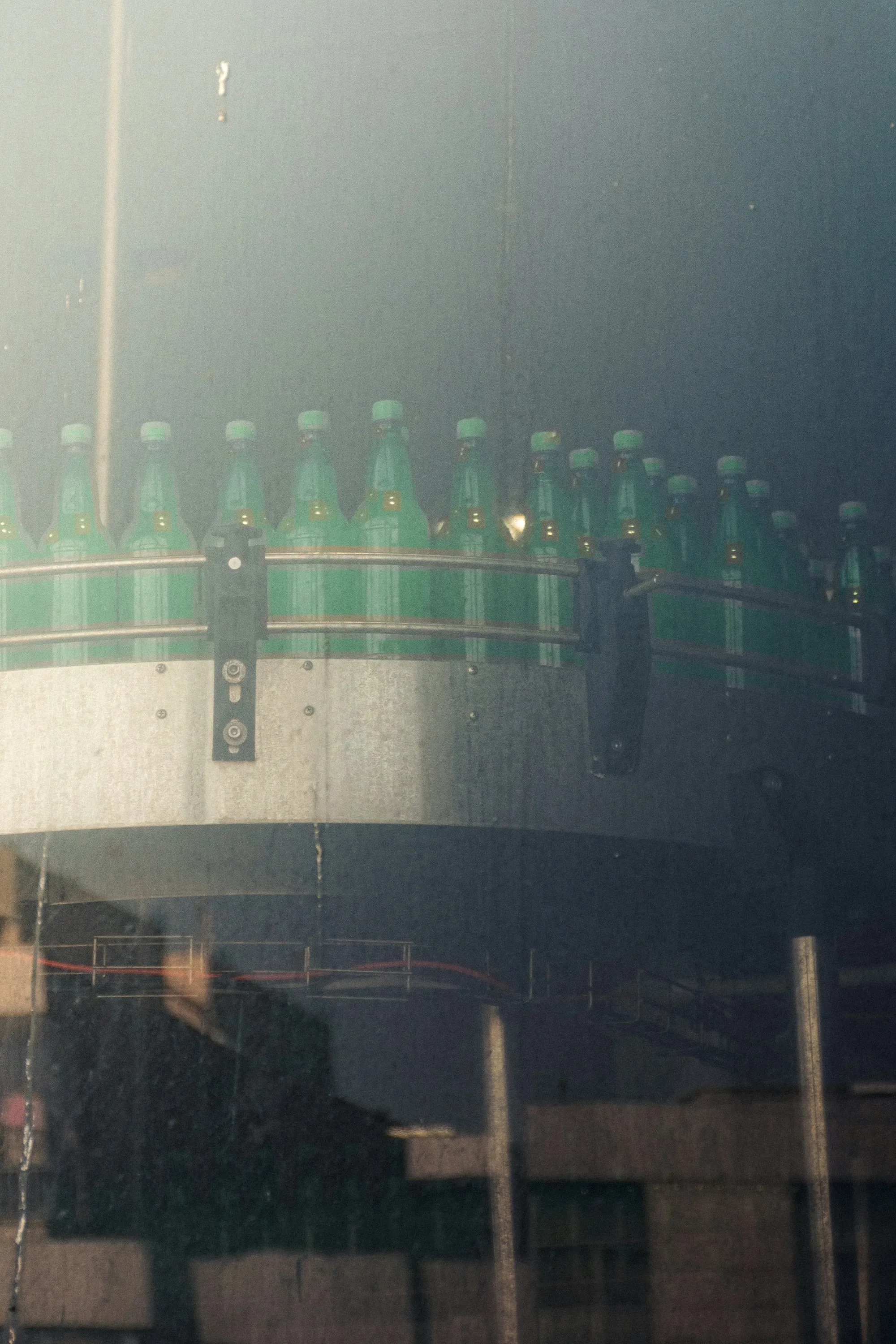
octoplant food and beverage use is about one stubborn fact: a food or beverage line is a row of machines from different builders, each with its own controller, HMI and drives, maintained by a small team that did not write any of the code. That makes these plants unusually exposed when a device fails, and unusually good at losing track of which program is running. This page walks through what lives on a typical line, why changeovers, recipes and washdown make the problem worse, how the OEM handover creates the gap in the first place, and where a tool like octoplant helps or does not. It sits under octoplant use cases by industry in our independent AMDT overview.
What a food and beverage line looks like from the controls side
Walk a beverage or packaged-food line from tank to truck and count the programmable devices.
| Section of the line | Typical builder pattern | What lives in it | What changes often |
|---|---|---|---|
| Process: mixing, pasteuriser, CIP | Process skid OEM or integrator | PLC logic, HMI recipes, valve sequences, temperature setpoints | Recipe parameters, CIP cycle times |
| Filler and capper | Specialist OEM, often European | PLC, servo drives, HMI, format data | Fill volumes, format changeover parameters |
| Labeller and coder | A second OEM | PLC or embedded controller, drives, HMI | Label formats, timing offsets |
| Case packer, palletiser, wrapper | A third and fourth OEM, sometimes a robot cell | PLC, robot program, drives, HMI | Pallet patterns, pick offsets |
| Conveyors and line control | Integrator | PLC, many drives, line HMI or SCADA | Speeds, accumulation logic |
It is common for one line to carry three or four PLC brands, because each OEM builds on its own standard. Each brand needs its own engineering software, often in a specific version, and the plant’s maintenance team rarely holds all of them. AMDT’s own F&B page summarises the stakes as “Quality lives in setpoints. So does your recall exposure” (AMDT).
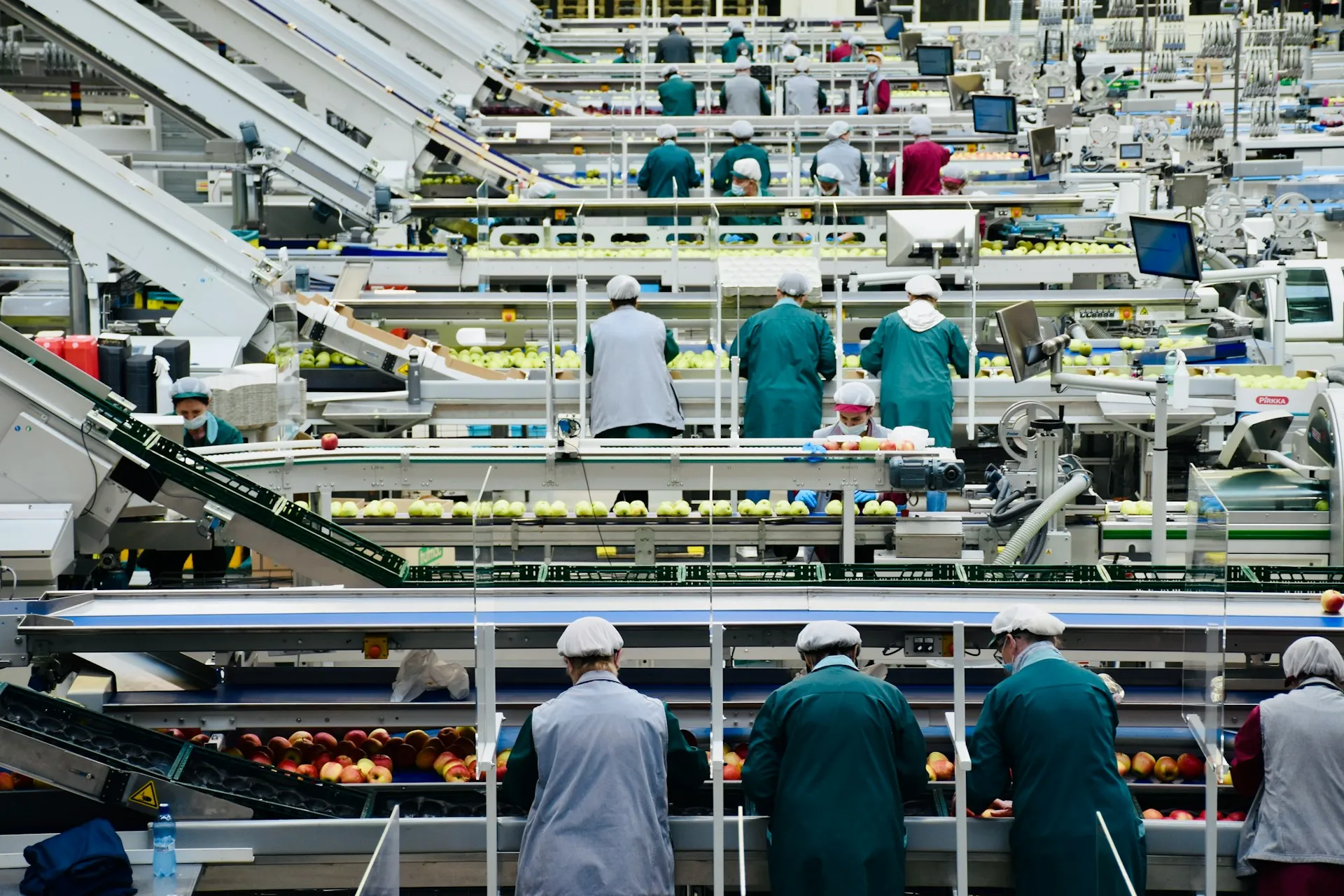
The octoplant food and beverage problem: plants lose track of programs
Changeovers and recipes. A plant running dozens of SKUs changes fill volumes, format parameters and process setpoints every week. Most of those changes are legitimate and made by operators or technicians on the HMI. Few are recorded anywhere except in the device, so when a quality issue appears, nobody can say which setpoint changed and when.
Washdown and sanitation failures. Daily sanitation with water and chemicals is hard on electronics. HMI panels fail from water ingress, drive fans and boards corrode, and I/O cards die after seal failures. Each replacement needs the right program or parameter set loaded. A replaced drive without its parameters will not run the axis, and a replacement HMI without the project file is a blank screen.
Thin teams and long shifts. A handful of technicians cover several lines across three shifts. The fix at 02:00 is made by whoever is on, and the knowledge of what was changed leaves with them.
Drives are the forgotten device. A line can carry more drives than every other programmable device combined, and their parameter sets are rarely stored anywhere. Partner pages list drive families such as SEW MOVITOOLS and MOVI-C, Siemens SINAMICS and Danfoss among octoplant’s examples (iOpen), though that list may lag AMDT’s current matrix. Whatever the tool, a conveyor drive replaced after a washdown failure should go back in with its parameters in minutes, not after an afternoon of reading nameplates and guessing ramp times.
Old equipment. Lines run for decades. AMDT notes that the equipment “may be fifteen years old” and that recovery knowledge often sits with individual engineers or external integrators.
Illustrative scenario. During the night sanitation shift, water gets behind a filler HMI and it fails. The spare panel is on the shelf, but the project file on the shared drive is from the original installation, before two years of format additions. Operators restart on the old project and three formats are missing. The OEM’s service engineer can send the current file, but not until their office opens. The line loses most of a shift, and the cause on the downtime report is “HMI failure”, not “no current backup.”
The OEM handover problem
Most of the gap opens on the day a new machine arrives, not years later. We cover the wider issue in the challenges of bringing new machinery into a plant and the testing side in factory acceptance testing for plant controls. The program-control part looks like this:
What to write into the purchase order, whichever tool you use:
- Open, unprotected source code for every PLC, HMI, drive and robot, not only compiled files. Know-how protected blocks cannot be meaningfully compared or maintained.
- Engineering software versions named, so the plant can open what it receives.
- The as-left version captured at site acceptance and loaded into the plant’s repository before sign-off.
- A rule for remote changes during warranty: every OEM edit is uploaded and recorded, with a reason.
How octoplant food and beverage use maps to these problems
| Problem | What octoplant does | Plant consequence |
|---|---|---|
| Mixed PLC, HMI and drive brands | One repository and job schedule across vendors, within the supported device list | One place to look at 02:00, regardless of the machine’s builder |
| Washdown failures | Automated device backup on a schedule | A replaced HMI or drive gets the current project, not the original one |
| Setpoint and recipe drift | Change detection against the approved version | A quality investigation can see what changed and when |
| OEM handover | Baseline captured at acceptance, then compared | Warranty edits and site fixes are visible, not discovered later |
| Thin teams | Alerts and a single history | Knowledge stays with the plant when a technician moves on |
Where it gets hard
- Recipes that live elsewhere. Some recipes sit in a batch system, SCADA database or MES rather than in the PLC or HMI project. Map where each recipe lives before assuming a device backup captures it.
- Coverage of older and niche devices. Embedded controllers on coders, checkweighers and older drives may not be on AMDT’s current matrix. Check each family against the gated matrix; see SCADA, HMI and network devices.
- OEM resistance. Some builders resist releasing source code or object to plant-side uploads during warranty. Settle it in the contract, not on site.
- Network reach. Many older machines sit on isolated networks. Reaching them for scheduled jobs can require network changes that need their own review.
- Peaks and contract runs. The change rate is highest during seasonal peaks and contract-packing runs, which is also when the line can least afford a pilot going wrong. Roll out between peaks, starting with the machine that caused the most recent long stop.
- Ownership. Alerts help only if someone reviews them each morning. Assign it to a named role.
- No named sector case study. As of October 2026 AMDT describes its F&B profiles as “representative composites” (AMDT), so ask for a reference plant.
If lost recovery time already shows up in your downtime data, our OEE and downtime improvement work starts there. For a sector where scale rather than vendor mix drives the case, see octoplant in automotive.
Related: octoplant use cases by industry · Automotive · Automated Device Backup · AMDT hub
Frequently asked questions
Why do food and beverage plants need PLC backup software?
A typical line combines machines from several OEMs, each with its own PLC, HMI and drives, and a small maintenance team supports all of them across three shifts. When one device fails, the current program is often on an OEM laptop or nowhere. Automated backup keeps a current copy of every device in one place, so a failure becomes a part swap rather than a rebuild.
Can octoplant back up HMIs and drives, not only PLCs?
AMDT lists HMIs, drives, SCADA, robots and network devices among the asset types octoplant covers, and partner pages give examples such as SEW, Siemens SINAMICS and Danfoss drives. Coverage depends on the exact model and software version, and the official matrix sits behind the myAMDT login, so check every device family on your line.
Does octoplant control recipe changes?
It can detect changes in the programs and configuration it backs up, which includes setpoints held in the PLC or HMI project. Recipes stored in a separate database, an MES or a batch system may sit outside what a device backup captures. Map where each recipe lives before assuming the tool covers it.
What should a plant require from an OEM at machine handover?
Open, unprotected source code for every PLC, HMI, drive and robot, in a version the plant's software can open, captured as the final as-left version at site acceptance and stored in the plant's own repository. Also agree how changes made later through remote access are recorded. Without this, the plant cannot back up or compare what it owns.
Are there public octoplant case studies in food and beverage?
As of October 2026 AMDT has a food and beverage industry page and use-case page but no named food and beverage case study that we could find. Its use-case page describes its operating profiles as representative composites. Ask AMDT or a partner for a reference in a comparable plant.
References and further reading
- Food & Beverage · AMDTAMDT's use-case page: setpoints, recall exposure and representative operating profiles.
- Food & Beverage · AMDTAMDT's industry page for food and beverage.
- Food & Beverages Manufacturing · AMDT (octoplant.com)
- octoplant - Data Security for all Automation Devices · iOpen (AMDT partner)Example drive, HMI and PLC families. A partner list that may lag AMDT's gated matrix.
- Factory Acceptance Testing for Plant Controls: The Complete Guide · JoltekFurther reading: how to test and accept OEM code before it reaches the line.