
octoplant Supported Devices: What AMDT Covers and How to Verify It
octoplant Robot Backup: Robots, CNC Machines and Drives
octoplant robot backup, plus CNC and drive coverage: example vendors, what each backup must capture, and why these are the assets plants forget to protect.
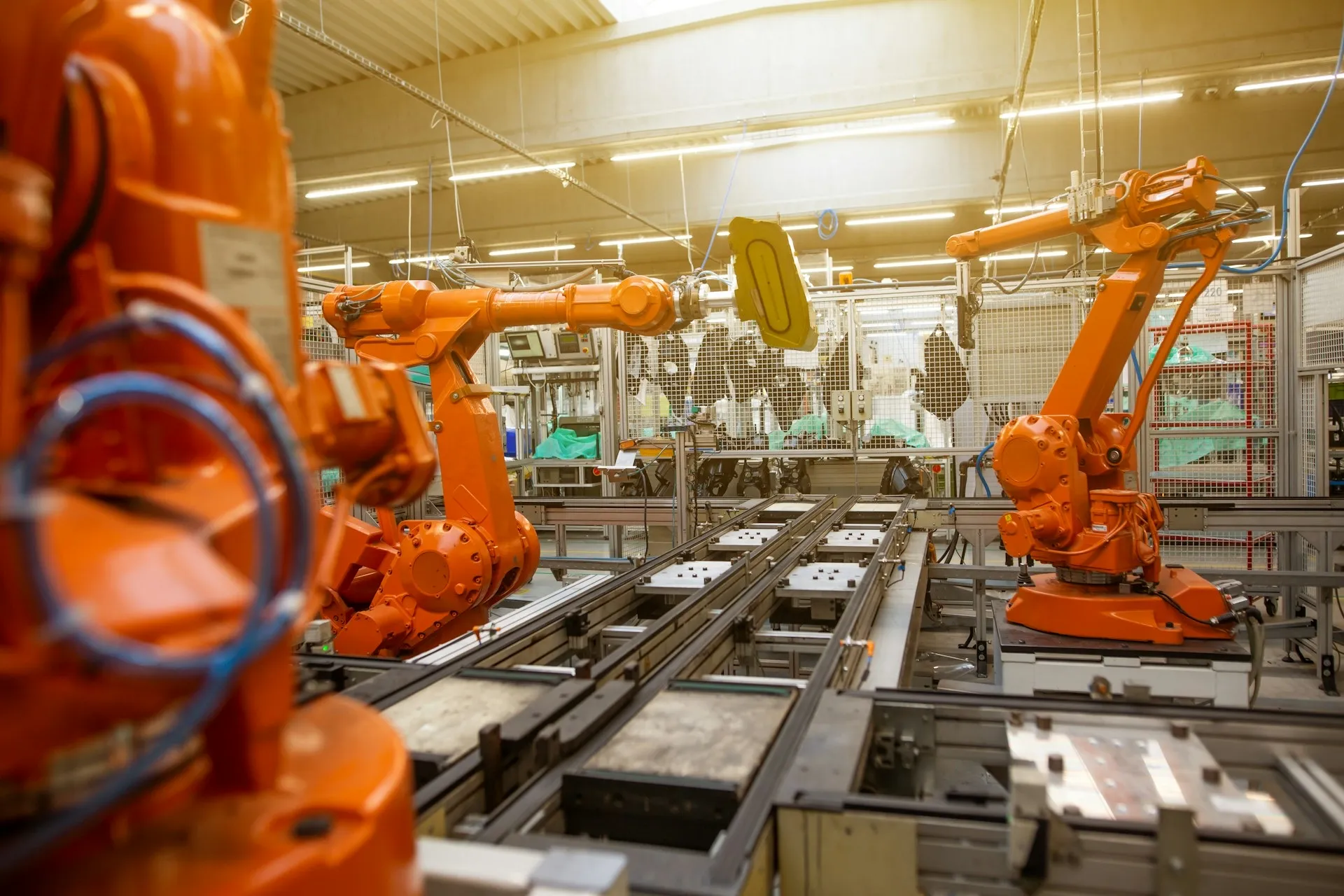
octoplant robot backup matters because robots, CNC machines and drives are the assets plants most often leave out of any backup discipline. PLC programs get attention because controls engineers and integrators think about them first. The robot programs edited at the pendant, the CNC machine data tuned by a service technician and the drive parameters set at commissioning usually live only inside the equipment. This page covers the example vendors partner pages list for these classes, what a backup of each must capture, and where it gets hard. It sits under octoplant supported devices.
Example vendors: robots, CNC and drives
These are examples from partner pages (iOpen, Adeptly) and the octoplant 105 release notes (Novotek UK). They are not a complete or current matrix. As of October 2026 the official list sits behind the myAMDT login; check every controller model and software version with AMDT.
- Robots: ABB, FANUC, KUKA, Yaskawa (Motoman), Kawasaki, COMAU, Stäubli, Mitsubishi, OMRON.
- CNC: FANUC (including FANUC Ladder III 9.6, added in release 105), Siemens SINUMERIK 840D and SINUMERIK ONE, Indramat.
- Drives: SEW (MOVITOOLS and MOVI-C, the latter added in release 105), Siemens SINAMICS and SIMODRIVE, Danfoss, Indramat.
Why these are the assets plants forget
Nobody clearly owns them. The robot cell came from an OEM, maintenance owns the hardware, and process engineering changes the paths. Drives are bought as components, configured once, and then treated as spares. CNC machine data is often adjusted by the machine builder’s service technician. Each group assumes another holds the copy.
They are edited where the backup is not. A robot position is touched up at the pendant during a changeover; a drive ramp is adjusted at the keypad; a CNC offset is changed at the control. None of those edits pass through an engineering workstation, so none end up on a server unless something goes and fetches them.
They hold data that cannot be rebuilt from drawings. A taught position is the result of someone jogging a robot until the part fits. A tuned drive reflects a mechanical system that changed after commissioning. When the device is lost, the knowledge is lost with it.
How these devices are read, in general
The exact method is device-specific and is what the support matrix records, but the general patterns are worth knowing before talking to AMDT or a partner:
- Robot controllers typically produce a backup set (programs, positions and system files) that can be fetched over the network, often by file transfer, or exported to a storage device at the pendant.
- CNC controls hold part programs and machine data as files and archives, usually reachable by file transfer or through the control vendor’s tools.
- Drives are usually read through the drive vendor’s commissioning software (SEW’s MOVITOOLS is an example from the partner lists) over Ethernet or a fieldbus.
Two questions follow from that. Does the upload need the vendor’s tool installed on the octoplant server or agent, and can the job reach the device through the machine network? The answers decide whether coverage is automatic or depends on someone remembering. Frequency matters too: robots that change with every model launch need more frequent jobs than a drive that is touched once a year.
What octoplant robot backup has to capture
| Asset | What to capture | Typical failure if not captured |
|---|---|---|
| Robot | Programs, taught positions, tool and user frames, system parameters, I/O mapping, controller software version and options | Positions re-taught by hand; hours to days per cell, with quality risk on the first parts |
| Robot safety configuration | Safe zones, speed limits, safety I/O settings, and its checksum or signature | A replacement controller that cannot be safely returned to service without revalidation |
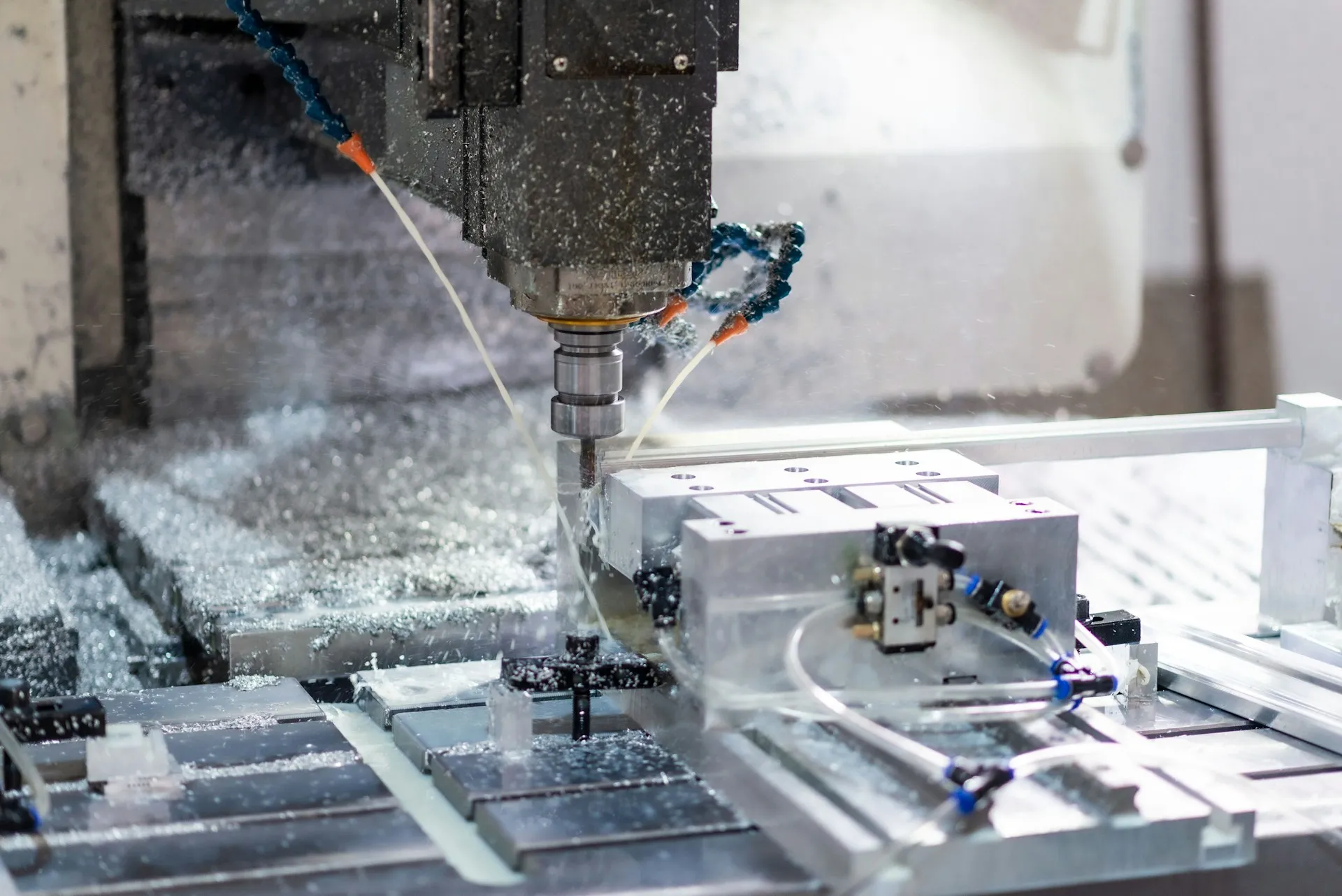
| CNC | Part programs, machine data, tool offsets, compensation tables, the CNC’s PLC logic | Scrap and collisions after a control is replaced or reloaded from an old copy |
| Drive | Full parameter set, motor data, application settings, fieldbus configuration | A spare drive that cannot run the axis until parameters are reverse engineered |
| Servo and motion | Axis tuning, homing and limit data, linked PLC motion configuration | Lost tuning, oscillation or wrong travel limits after a swap |
Version context matters as much as the file. A robot backup taken on one controller software version may not load cleanly onto a replacement running another. Recording the version with the backup is what lets a technician know before the restore, not during it.
A drive swap, with and without a stored parameter set
An illustrative scenario. A body-shop robot controller fails and is replaced overnight. With a current backup, the programs and frames load, a compare confirms nothing was missed, and the cell is proved out with a handful of test cycles. Without one, the last copy is a USB stick from the original installation, three model changes old, and every touched-up position has to be found again. The manufacturing downtime that follows is not caused by the failure. It is caused by the missing record.
A CNC example, also illustrative. A machining centre’s control loses its memory after a power supply failure. The part programs are on a shared drive, so the shop assumes it is covered. The machine data, tool offsets and compensation tables are not, and the first part cut after the reload is scrap because the axis compensation reverted to factory values. Programs are the visible half of a CNC backup; machine data is the half that decides whether the parts are good.
A restore drill for robots, CNC and drives
A backup that has never been restored is an assumption. NIST’s OT security guide makes the same point in general terms, recommending that backups be verified for reliability and integrity where technically possible (NIST SP 800-82 Rev. 3, section 6.2.4.3). In our view, each asset class deserves a rehearsal at least once a year, on a spare or during a planned shutdown:
- Pick one asset per class: a robot, a CNC, a drive.
- Retrieve the latest stored version and confirm its software or firmware version matches the spare or the target.
- Load it and record the time each step takes.
- Compare the result with the stored version, and note anything that had to be set by hand.
- Fix the gaps in the job or the procedure, and write down the real recovery time.
The recovery time from step 5 is the number to put in front of the people who own downtime risk.
Where it gets hard with octoplant robot backup
- Network access to cells. Robot and CNC controllers often sit on isolated machine networks. Automatic uploads need a route from the octoplant server or an agent, which means a conversation with whoever owns the network. Where no route exists, a manual transfer is the fallback, and its currency depends on discipline.
- Hardware-specific data. Some robot calibration and mastering data belongs to a specific arm and does not transfer to a replacement unit. A restore plan has to say what reloads and what must be re-done.
- Safety configuration. Restoring a safety configuration is not the same as validating it. Treat it as a controlled change with its own sign-off.
- OEM ownership. Machine builders sometimes restrict access to CNC machine data or robot options. Agree in the purchase contract who may back up what, and who holds the master.
- Version drift on spares. A spare drive or controller on newer firmware may not accept an older parameter set unchanged. Check spares against the stored versions periodically.
- Volume. A body shop with hundreds of robots generates many jobs. Scheduling them so that uploads do not compete with production traffic takes planning.
For the PLCs these assets connect to, see PLCs and engineering software, and for how this plays out across a robot-heavy plant, see octoplant in automotive. If robot, CNC and drive coverage is part of a wider upgrade, it belongs in the plan for control system modernization. Back to the AMDT hub.
Frequently asked questions
Which robot brands does octoplant support?
Partner pages list ABB, FANUC, KUKA, Yaskawa (Motoman), Kawasaki, COMAU, Stäubli, Mitsubishi and OMRON robots as examples. The official matrix sits behind the myAMDT login as of October 2026, and support can depend on the controller generation and software version, so confirm each robot controller model in your plant with AMDT.
What should a robot backup include?
A usable robot backup includes the programs, the taught positions, tool and user frame data, system and configuration parameters, I/O mapping, and a record of the controller software version and options. Safety configuration should be captured too, though restoring it normally requires a validation step before the cell returns to production.
Can octoplant back up CNC machines?
Partner pages list FANUC, Siemens SINUMERIK 840D and Indramat CNC controls, and octoplant 105 added newer SINUMERIK ONE versions and FANUC Ladder III 9.6. A CNC backup should cover part programs, machine data, tool offsets and the CNC's own PLC logic. Confirm which of those your control and version support.
Why back up drive parameters if the drive is a spare part?
Because the spare arrives with factory defaults. A replaced drive needs its motor data, ramps, limits and application settings before the machine runs correctly. Without a stored parameter set, a technician rebuilds them from memory or old sheets, which can turn a short swap into a shift of downtime. Partner pages list SEW, SINAMICS and Danfoss drives as examples.
Do robots need to be on the network for octoplant to back them up?
Automatic uploads need a network path from the octoplant server or an agent to the robot controller. AMDT says octoplant also handles unnetworked or partially networked machines, but in those cases a person typically transfers the files, so the backup is only as current as the last manual transfer.
References and further reading
- octoplant - Data Security for all Automation Devices · iOpenPartner-published example device list; may lag the current matrix.
- Octoplant · Adeptly AfricaPartner-published example device list and the note on built-in device support.
- Octoplant 105.0 Now Available · Novotek UKRelease 105 device and editor additions.
- Production Resilience Against Disruptions · AMDT (octoplant.com)Asset types covered, the 160-vendor claim, and the graph, table and text compare views.
- SP 800-82 Rev. 3, Guide to Operational Technology (OT) Security · NISTSection 6.2.4.2 covers configuration change control; 6.2.4.3 covers backups.